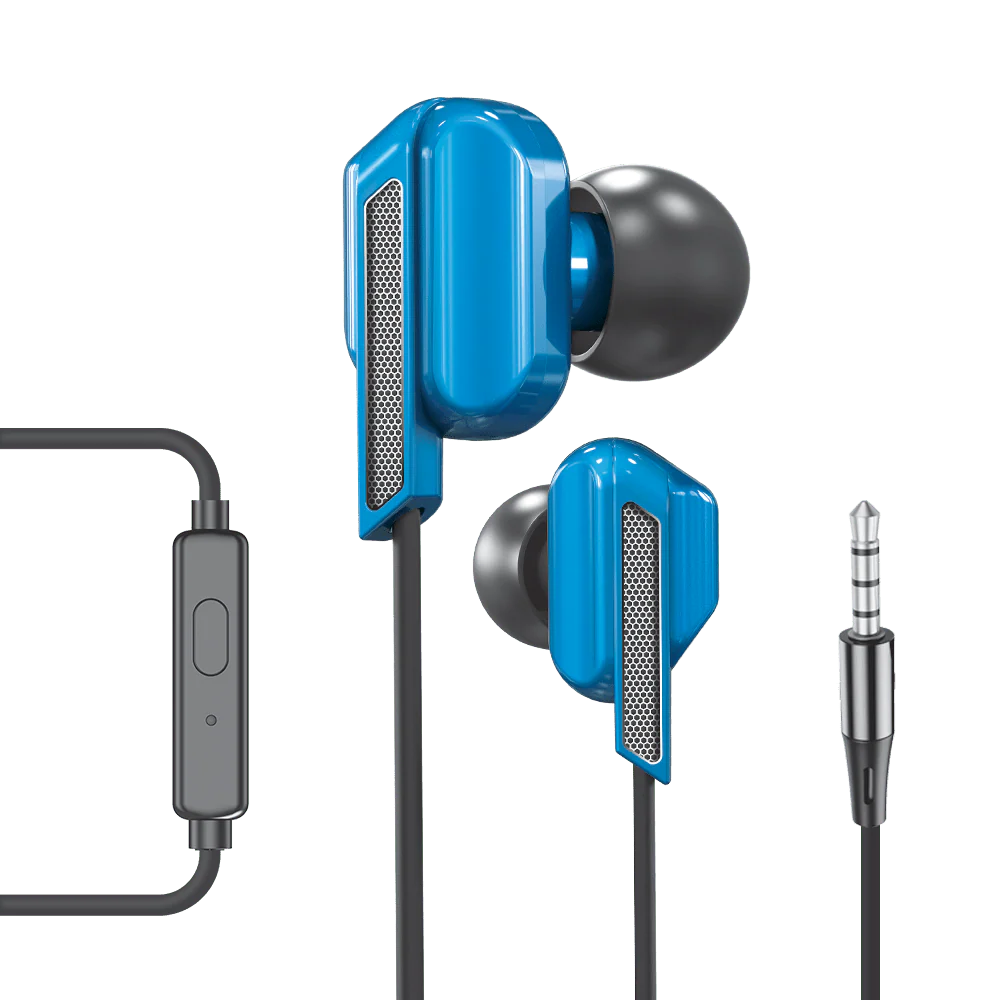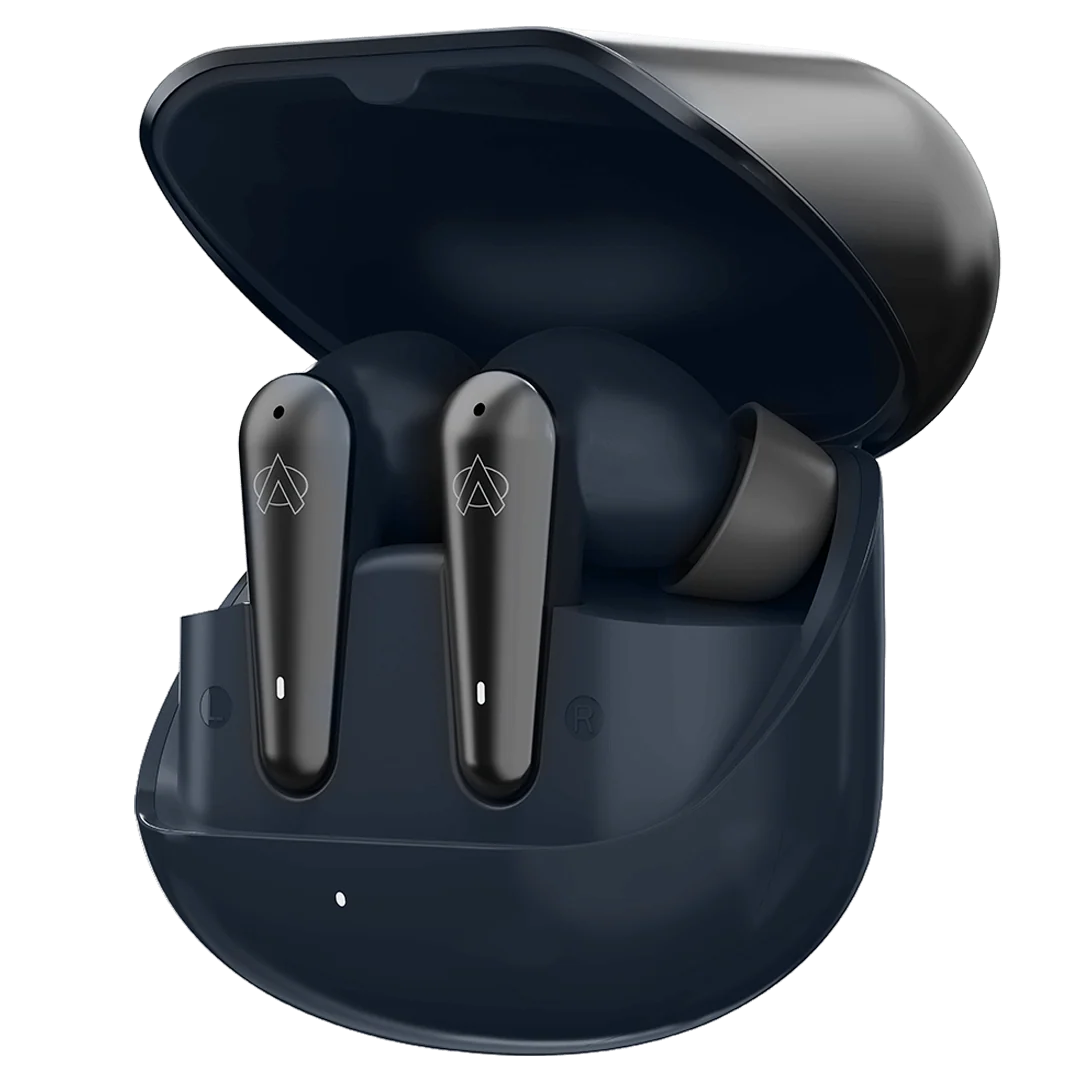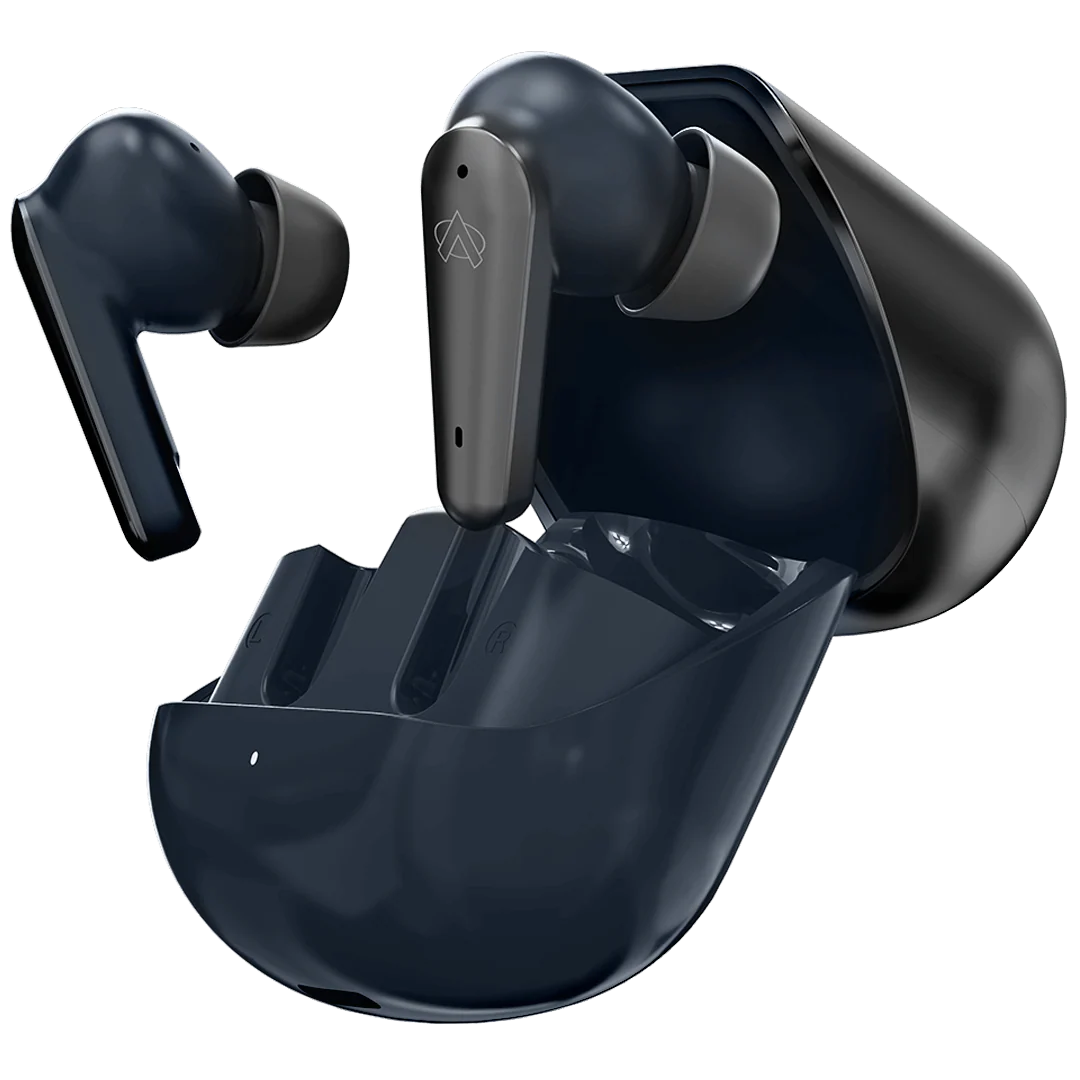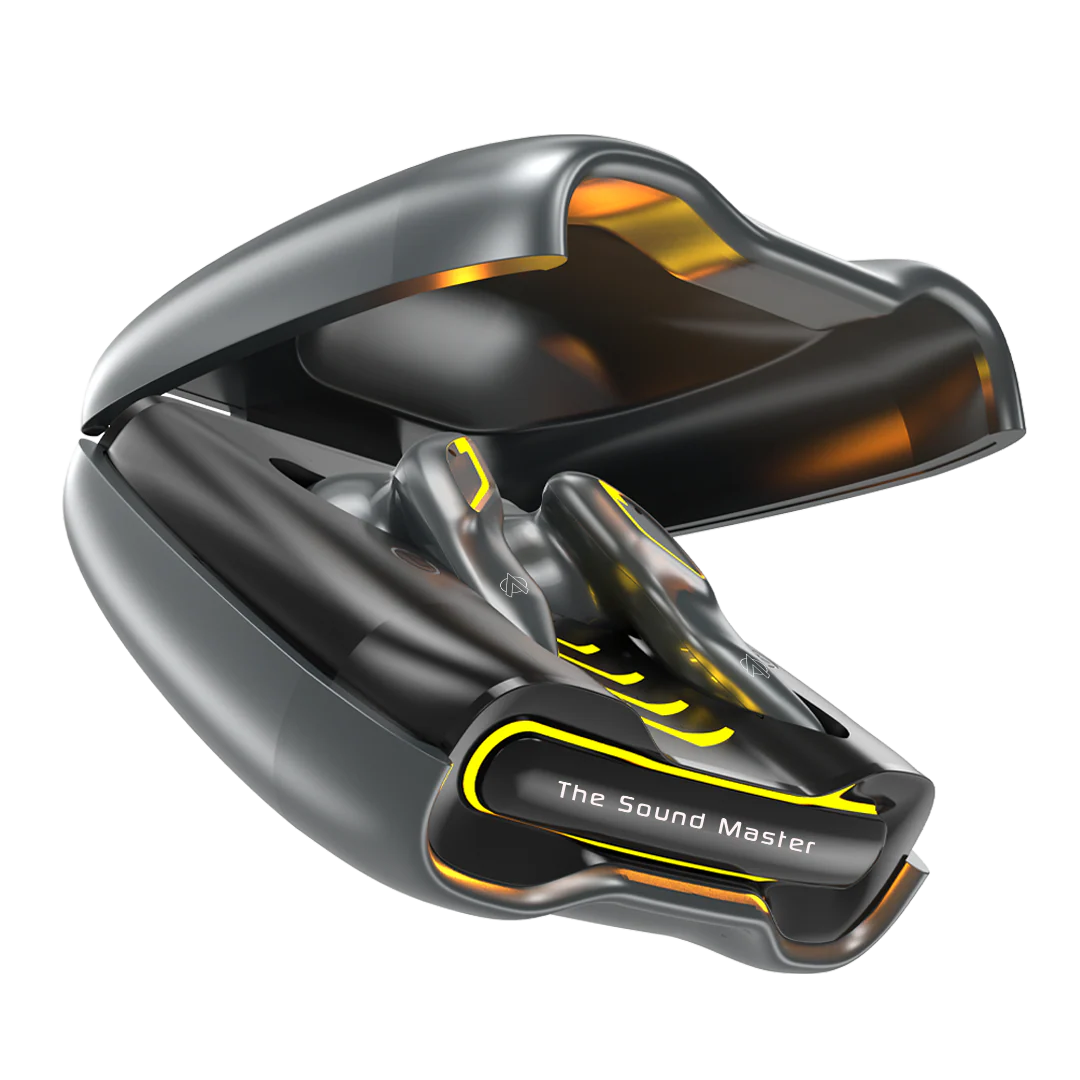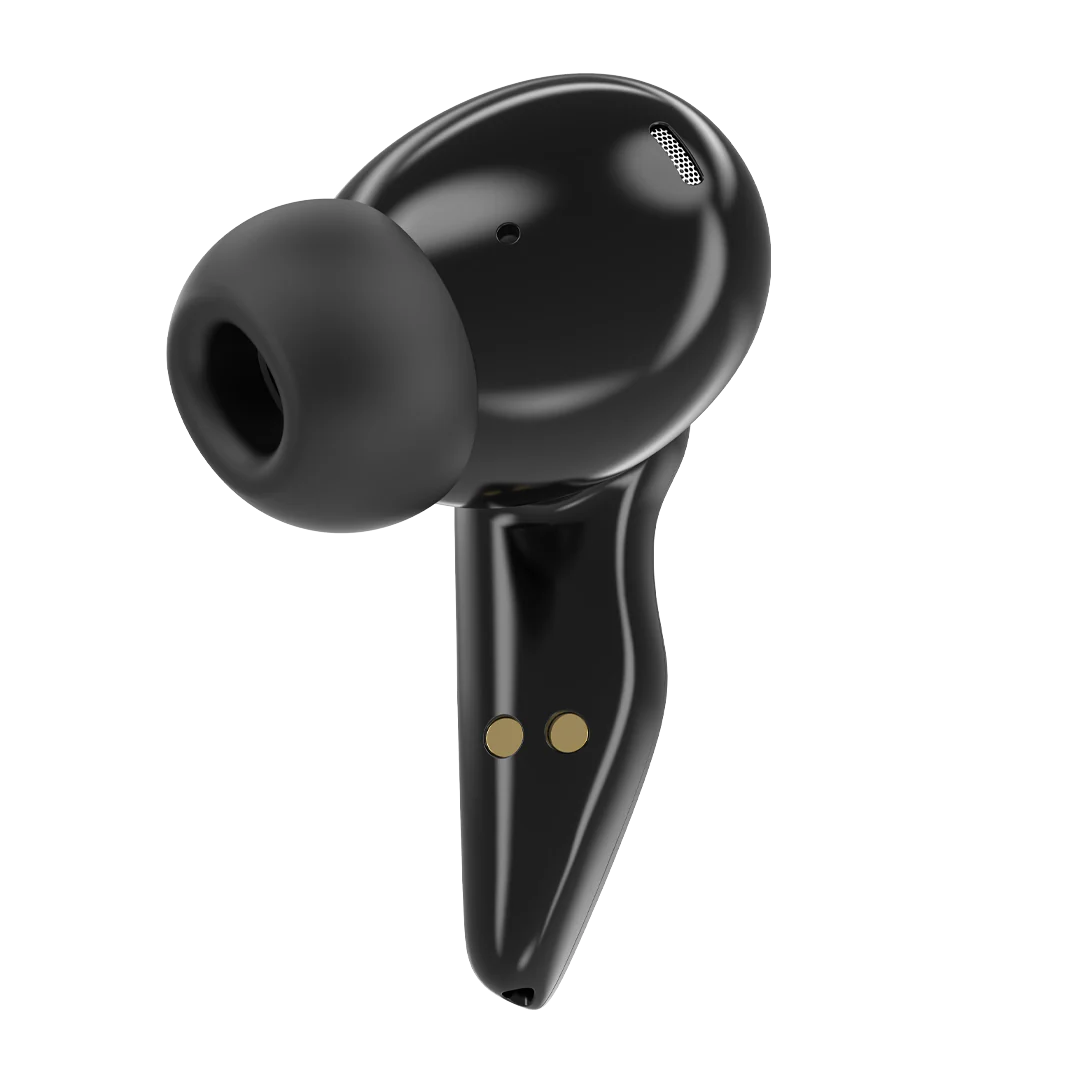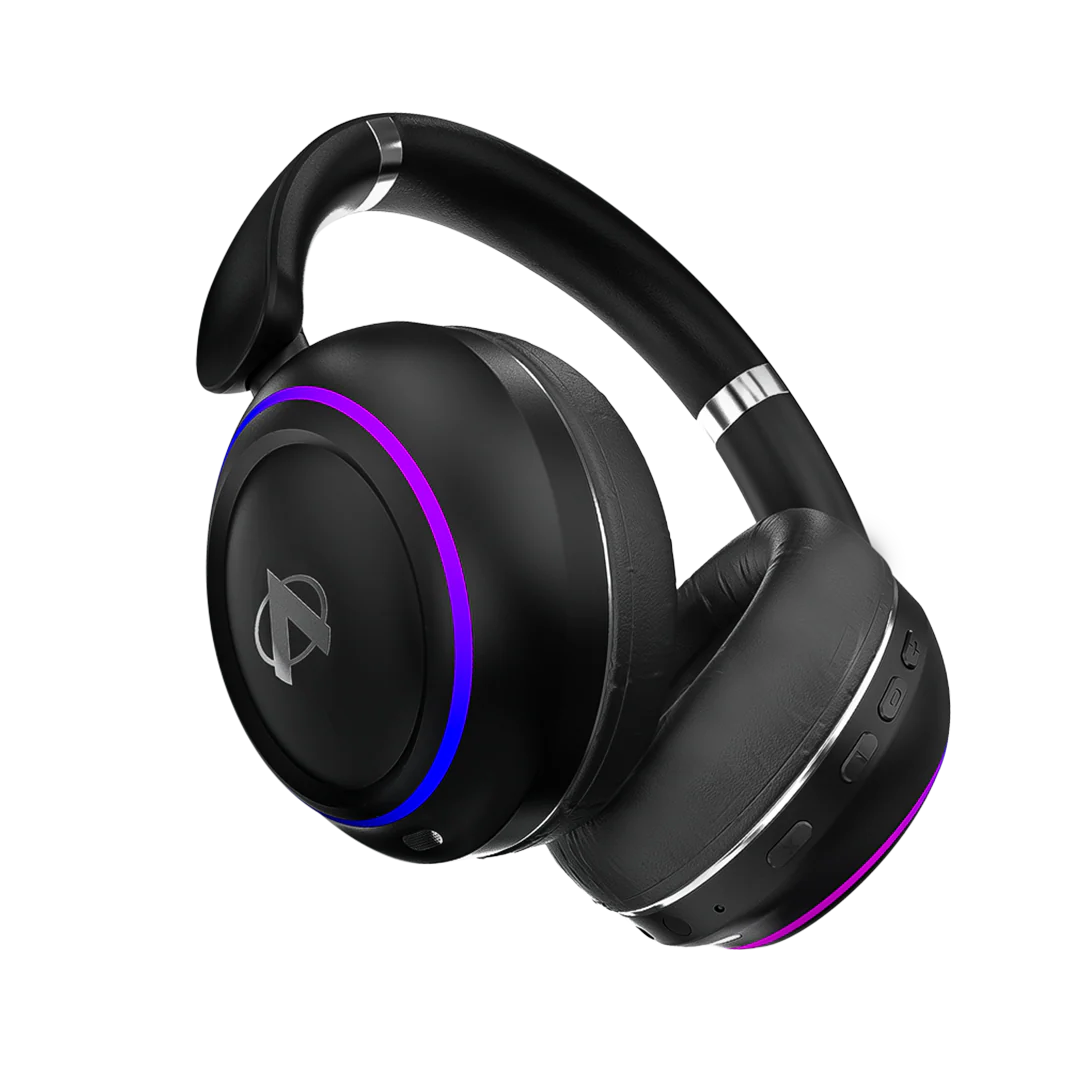
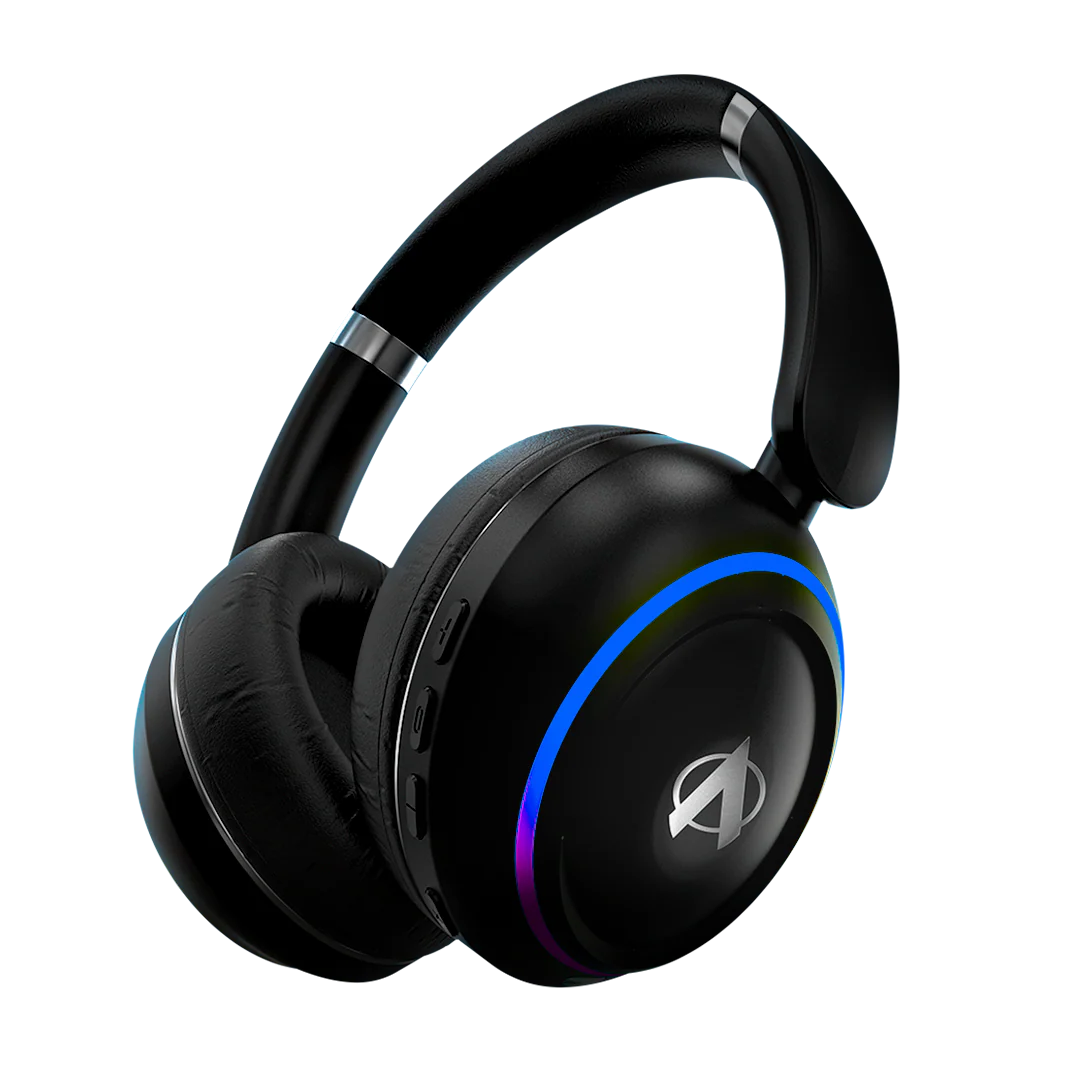

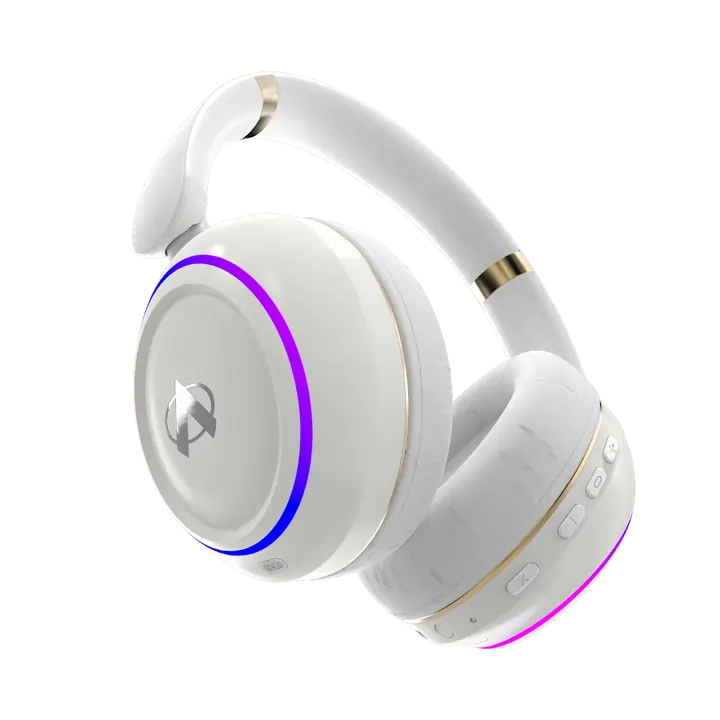
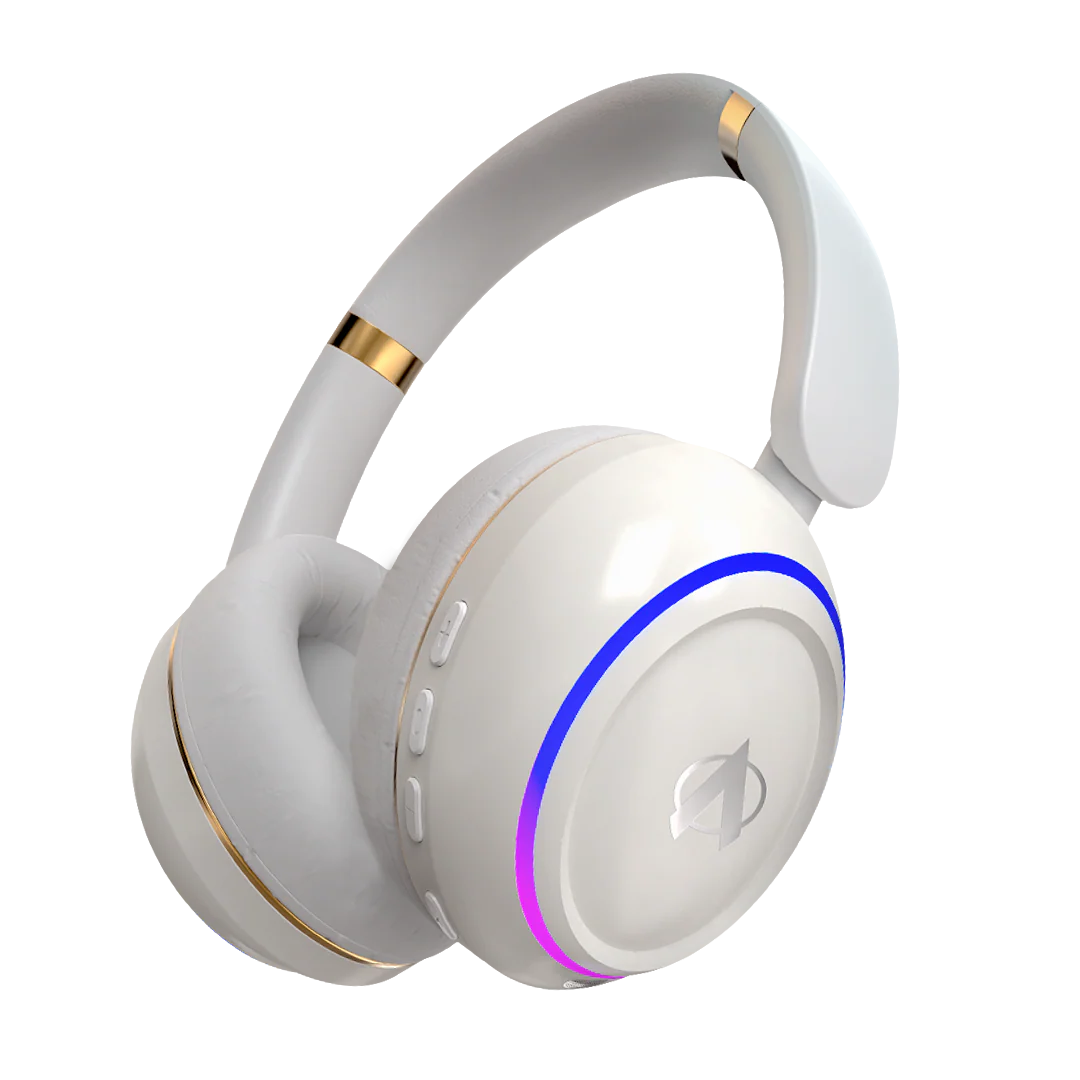

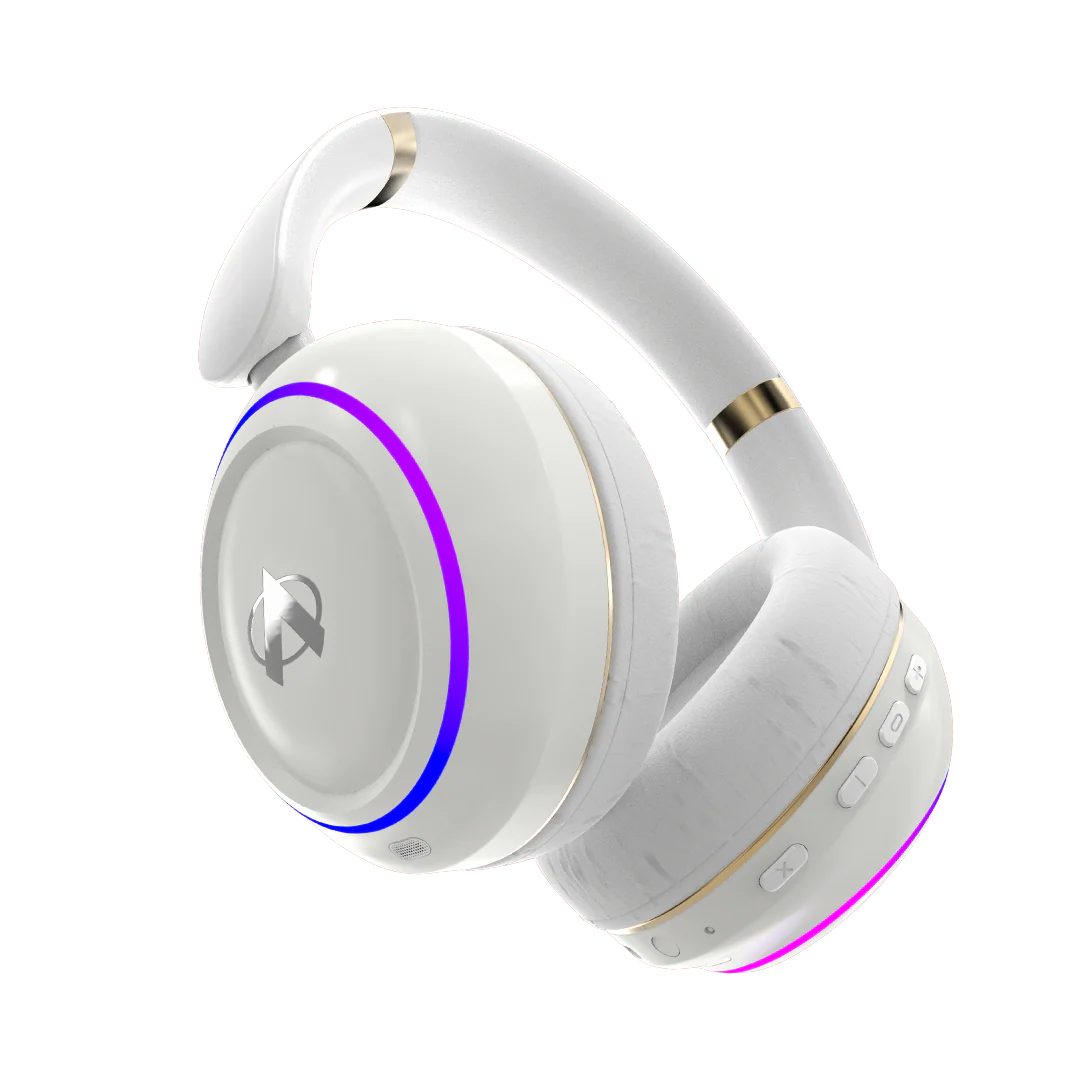
Hammer Wireless Headphone
Hammer Wireless Headphone
Connectivity
- BT 5.4 Version
- BT Range: 10m Approx
- USB-C Charging
Battery & Charging
- 600mAh Battery Capacity
- Charging Indicator
- Charging Input: 5V .4A
- Headphone Charging Time: Apx. 1.5 Hrs
Bluetooth Supported Profiles
- a2dp\avctp\avdtp\avrcp\hfp\
spp\smp\att\gap\ gatt\rfcomm\sdp\l2cap
Dimensions
- Headphones: 187.39*163.70*77.53mm
LDAC Support
- No
Audio Decoding Technology
- Supports AAC and SBC
Features available in Hammer Wireless Headphone
- Environmental-Noise Cancelation ENC
- Dual Device Pairing
- Ultra Low Latency 40ms
- Gaming Mode
- 6 RGB Lights Modes
- Adjustable & Rotatable Muffs
- Voice Assistant
- Quick Pairing
- Easy Access control
- 60 Hours Playtime (at 60% Vol.)
Features not available in Hammer Wireless Headphone
- Active Noise Cancellation ANC
- Audionic Customized Application (Audionic Suite App)
Dual Device Pairing
- Yes
Wired Support
- 3.5mm Aux Cable Compatible
Other Specs
- Fr. Response: 20Hz~20KHz
- Drive Unit: 40mm x
- Weight of the Product: 230gram
Material Used
- ABS Plastic,
Mic Sensitivity
- -38dB ± 3 dB
Compatibility
- iOS
- Android
What's In the Box
- User Manual
- Feature Book
- Type-C charging cable
- Aux Cable
- Warranty Card
- Headphones
About The Product
Does the Hammer Wireless Headphone have Active Noise Cancellation (ANC)?
No, the Hammer Wireless Headphone does not feature ANC. However, it comes with Environmental Noise Cancellation (ENC) to reduce background noise during calls for a clearer voice experience.
What is Environmental Noise Cancellation (ENC)?
ENC is a mic-based technology that minimizes ambient sounds during calls, ensuring your voice stays clear even in noisy surroundings.
What is Dual Device Pairing?
Dual Device Pairing allows the Hammer Headphones to connect to two devices at the same time. You can switch between your phone and laptop seamlessly without needing to disconnect and reconnect.
Does it support wired connection?
Yes, the Hammer Wireless Headphones support 3.5mm Aux cable input, letting you enjoy music even when the battery is low or Bluetooth is turned off.
How long does the battery last?
Hammer offers up to 60 hours of playtime at 60% volume, making it perfect for long listening sessions, travel, or extended workdays.
Is it suitable for gaming?
Yes, the headphones feature Ultra Low Latency Mode (40ms) designed for gaming, ensuring sound effects sync with the action on screen.
Does it have RGB lights?
Yes, the Hammer Headphones feature 6 RGB light modes for a bold and dynamic look during use.
How do I charge the Hammer Headphones?
You can charge the headphones via a USB-C cable. The headphones include a charging indicator and support fast charging.
Is it compatible with iOS and Android?
Yes, the Hammer Wireless Headphones are fully compatible with both iOS and Android devices.
Does it have voice assistant support?
Yes, the built-in microphone allows you to access Google Assistant or Siri directly from the headphones.
Can I rotate or adjust the ear muffs?
Yes, the headphones come with adjustable and rotatable muffs to ensure maximum comfort for all-day wear.
What is the microphone sensitivity?
The Hammer Headphones have a mic sensitivity of -42dB ±3dB, enabling clear voice pickup during calls or voice commands.
Is it water resistant?
While not fully waterproof, the headphones can handle minor splashes or sweat, making them suitable for everyday use.
Does it support touch or button controls?
The Hammer Wireless Headphones feature easy-access physical controls for volume, track changes, and calls — giving you complete control without reaching for your device.
Dual Device Pairing?
What is Dual Device Pairing?
Dual Device Pairing allows you to connect your Audionic earbuds or headphones to two devices simultaneously. You can easily switch between devices without needing to disconnect and reconnect manually.
How does Dual Device Pairing work?
With Dual Device Pairing, your Audionic device remembers both connected devices. For example, if you’re listening to music on your laptop and receive a call on your phone, the audio will automatically switch to your phone, ensuring a seamless experience.
Which Audionic devices support Dual Device Pairing?
Audionic devices with advanced Bluetooth technology support Dual Device Pairing. Please check your product’s specifications to confirm compatibility.
How do I pair my Audionic device with two devices?
Turn on your Audionic device and enable Bluetooth pairing mode. Connect it to the first device via Bluetooth settings. Disconnect the first device without turning off Bluetooth on your Audionic device. Put your Audionic device back into pairing mode and connect it to the second device. Finally, reconnect the first device. Now, both devices are paired.
Can I listen to audio from both devices at the same time?
No, audio will play from only one device at a time. However, you can easily switch between them—your Audionic device will automatically prioritize incoming calls or the most recent audio source.
Does Dual Device Pairing affect sound quality or battery life?
No, Dual Device Pairing does not affect sound quality. However, using this feature may result in slightly faster battery consumption due to continuous Bluetooth connections.
How do I switch between two paired devices?
Your Audionic device will automatically switch to the active device when it detects an audio signal. You can also manually pause audio on one device and play it on the other to switch seamlessly.
What should I do if Dual Device Pairing is not working?
If you experience any issues:
Make sure both devices support Dual Device Pairing. Ensure your Audionic device is in pairing mode when connecting the second device. Restart your devices and try again. Update your device’s firmware via the Audionic Suite App if available.
What is Audio Decoding?
Audio Decoding is the process through which your earbuds convert digital sound signals from your device into clear, natural audio. It ensures that every beat, tone, and voice is accurately reproduced, delivering a rich and immersive listening experience.
The two most popular audio decoding formats are AAC (Advanced Audio Coding) and SBC (Subband Coding) — both responsible for transmitting high-quality sound over Bluetooth while balancing clarity and efficiency.
Which audio codec is better AAC or SBC?
AAC (Advanced Audio Codec) provides richer, clearer, and more detailed sound with lower delay, offering a superior listening experience on compatible devices.
SBC (Subband Codec) ensures stable and consistent performance across all Bluetooth devices.
Overall, AAC is considered better for high-quality, low-latency wireless sound.
Which codec is supported by Audionic Hammer Wireless Headphones?
Hammer supports both AAC and SBC audio codecs for smooth, clear, and high-quality wireless sound transmission.
Which codec provides better sound quality in Hammer Wireless Headphones?
AAC offers superior sound quality and lower latency than SBC, especially when paired with compatible smartphones (like high-end iPhones or flagship Android devices).
How do these codecs improve my listening experience?
They maintain clear, detailed sound and reduce delays in music, gaming, original audio or video playback, ensuring a seamless wireless experience.
Does my phone automatically select the best codec?
Yes. The connected device automatically switches between SBC and AAC based on compatibility and signal strength to ensure the best performance.
Gaming Mode and Low Latency
What does "Ultra low latency" mean for the Hammer Wireless Headphones?
Ultra Low latency (40ms) ensures minimal delay between the sound and the visuals, allowing for real-time audio feedback during gaming or video playback.
How does the low latency feature benefit gaming on the Hammer Wireless Headphones?
Gaming Mode with ultra-low latency improves synchronization between in-game actions and sound effects, providing a faster and more immersive gaming experience without audio lag.
60-Hour Play Time Feature
What does "60 hours playtime" mean for the Hammer Wireless Headphones?
The Hammer Wireless Headphones provide up to 60 hours of playback time on a single charge when used at approximately 60% volume, allowing for extended listening without frequent recharging.
How does the 60 hours battery life benefit daily use?
The extended 60-hour playtime ensures uninterrupted usage across multiple days—perfect for work, travel, or gaming marathons without the hassle of daily charging.
Original: $23.27
-70%$23.27
$6.98Product Information
Product Information
Shipping & Returns
Shipping & Returns
Description
Hammer Wireless Headphone
Connectivity
- BT 5.4 Version
- BT Range: 10m Approx
- USB-C Charging
Battery & Charging
- 600mAh Battery Capacity
- Charging Indicator
- Charging Input: 5V .4A
- Headphone Charging Time: Apx. 1.5 Hrs
Bluetooth Supported Profiles
- a2dp\avctp\avdtp\avrcp\hfp\
spp\smp\att\gap\ gatt\rfcomm\sdp\l2cap
Dimensions
- Headphones: 187.39*163.70*77.53mm
LDAC Support
- No
Audio Decoding Technology
- Supports AAC and SBC
Features available in Hammer Wireless Headphone
- Environmental-Noise Cancelation ENC
- Dual Device Pairing
- Ultra Low Latency 40ms
- Gaming Mode
- 6 RGB Lights Modes
- Adjustable & Rotatable Muffs
- Voice Assistant
- Quick Pairing
- Easy Access control
- 60 Hours Playtime (at 60% Vol.)
Features not available in Hammer Wireless Headphone
- Active Noise Cancellation ANC
- Audionic Customized Application (Audionic Suite App)
Dual Device Pairing
- Yes
Wired Support
- 3.5mm Aux Cable Compatible
Other Specs
- Fr. Response: 20Hz~20KHz
- Drive Unit: 40mm x
- Weight of the Product: 230gram
Material Used
- ABS Plastic,
Mic Sensitivity
- -38dB ± 3 dB
Compatibility
- iOS
- Android
What's In the Box
- User Manual
- Feature Book
- Type-C charging cable
- Aux Cable
- Warranty Card
- Headphones
About The Product
Does the Hammer Wireless Headphone have Active Noise Cancellation (ANC)?
No, the Hammer Wireless Headphone does not feature ANC. However, it comes with Environmental Noise Cancellation (ENC) to reduce background noise during calls for a clearer voice experience.
What is Environmental Noise Cancellation (ENC)?
ENC is a mic-based technology that minimizes ambient sounds during calls, ensuring your voice stays clear even in noisy surroundings.
What is Dual Device Pairing?
Dual Device Pairing allows the Hammer Headphones to connect to two devices at the same time. You can switch between your phone and laptop seamlessly without needing to disconnect and reconnect.
Does it support wired connection?
Yes, the Hammer Wireless Headphones support 3.5mm Aux cable input, letting you enjoy music even when the battery is low or Bluetooth is turned off.
How long does the battery last?
Hammer offers up to 60 hours of playtime at 60% volume, making it perfect for long listening sessions, travel, or extended workdays.
Is it suitable for gaming?
Yes, the headphones feature Ultra Low Latency Mode (40ms) designed for gaming, ensuring sound effects sync with the action on screen.
Does it have RGB lights?
Yes, the Hammer Headphones feature 6 RGB light modes for a bold and dynamic look during use.
How do I charge the Hammer Headphones?
You can charge the headphones via a USB-C cable. The headphones include a charging indicator and support fast charging.
Is it compatible with iOS and Android?
Yes, the Hammer Wireless Headphones are fully compatible with both iOS and Android devices.
Does it have voice assistant support?
Yes, the built-in microphone allows you to access Google Assistant or Siri directly from the headphones.
Can I rotate or adjust the ear muffs?
Yes, the headphones come with adjustable and rotatable muffs to ensure maximum comfort for all-day wear.
What is the microphone sensitivity?
The Hammer Headphones have a mic sensitivity of -42dB ±3dB, enabling clear voice pickup during calls or voice commands.
Is it water resistant?
While not fully waterproof, the headphones can handle minor splashes or sweat, making them suitable for everyday use.
Does it support touch or button controls?
The Hammer Wireless Headphones feature easy-access physical controls for volume, track changes, and calls — giving you complete control without reaching for your device.
Dual Device Pairing?
What is Dual Device Pairing?
Dual Device Pairing allows you to connect your Audionic earbuds or headphones to two devices simultaneously. You can easily switch between devices without needing to disconnect and reconnect manually.
How does Dual Device Pairing work?
With Dual Device Pairing, your Audionic device remembers both connected devices. For example, if you’re listening to music on your laptop and receive a call on your phone, the audio will automatically switch to your phone, ensuring a seamless experience.
Which Audionic devices support Dual Device Pairing?
Audionic devices with advanced Bluetooth technology support Dual Device Pairing. Please check your product’s specifications to confirm compatibility.
How do I pair my Audionic device with two devices?
Turn on your Audionic device and enable Bluetooth pairing mode. Connect it to the first device via Bluetooth settings. Disconnect the first device without turning off Bluetooth on your Audionic device. Put your Audionic device back into pairing mode and connect it to the second device. Finally, reconnect the first device. Now, both devices are paired.
Can I listen to audio from both devices at the same time?
No, audio will play from only one device at a time. However, you can easily switch between them—your Audionic device will automatically prioritize incoming calls or the most recent audio source.
Does Dual Device Pairing affect sound quality or battery life?
No, Dual Device Pairing does not affect sound quality. However, using this feature may result in slightly faster battery consumption due to continuous Bluetooth connections.
How do I switch between two paired devices?
Your Audionic device will automatically switch to the active device when it detects an audio signal. You can also manually pause audio on one device and play it on the other to switch seamlessly.
What should I do if Dual Device Pairing is not working?
If you experience any issues:
Make sure both devices support Dual Device Pairing. Ensure your Audionic device is in pairing mode when connecting the second device. Restart your devices and try again. Update your device’s firmware via the Audionic Suite App if available.
What is Audio Decoding?
Audio Decoding is the process through which your earbuds convert digital sound signals from your device into clear, natural audio. It ensures that every beat, tone, and voice is accurately reproduced, delivering a rich and immersive listening experience.
The two most popular audio decoding formats are AAC (Advanced Audio Coding) and SBC (Subband Coding) — both responsible for transmitting high-quality sound over Bluetooth while balancing clarity and efficiency.
Which audio codec is better AAC or SBC?
AAC (Advanced Audio Codec) provides richer, clearer, and more detailed sound with lower delay, offering a superior listening experience on compatible devices.
SBC (Subband Codec) ensures stable and consistent performance across all Bluetooth devices.
Overall, AAC is considered better for high-quality, low-latency wireless sound.
Which codec is supported by Audionic Hammer Wireless Headphones?
Hammer supports both AAC and SBC audio codecs for smooth, clear, and high-quality wireless sound transmission.
Which codec provides better sound quality in Hammer Wireless Headphones?
AAC offers superior sound quality and lower latency than SBC, especially when paired with compatible smartphones (like high-end iPhones or flagship Android devices).
How do these codecs improve my listening experience?
They maintain clear, detailed sound and reduce delays in music, gaming, original audio or video playback, ensuring a seamless wireless experience.
Does my phone automatically select the best codec?
Yes. The connected device automatically switches between SBC and AAC based on compatibility and signal strength to ensure the best performance.
Gaming Mode and Low Latency
What does "Ultra low latency" mean for the Hammer Wireless Headphones?
Ultra Low latency (40ms) ensures minimal delay between the sound and the visuals, allowing for real-time audio feedback during gaming or video playback.
How does the low latency feature benefit gaming on the Hammer Wireless Headphones?
Gaming Mode with ultra-low latency improves synchronization between in-game actions and sound effects, providing a faster and more immersive gaming experience without audio lag.
60-Hour Play Time Feature
What does "60 hours playtime" mean for the Hammer Wireless Headphones?
The Hammer Wireless Headphones provide up to 60 hours of playback time on a single charge when used at approximately 60% volume, allowing for extended listening without frequent recharging.
How does the 60 hours battery life benefit daily use?
The extended 60-hour playtime ensures uninterrupted usage across multiple days—perfect for work, travel, or gaming marathons without the hassle of daily charging.