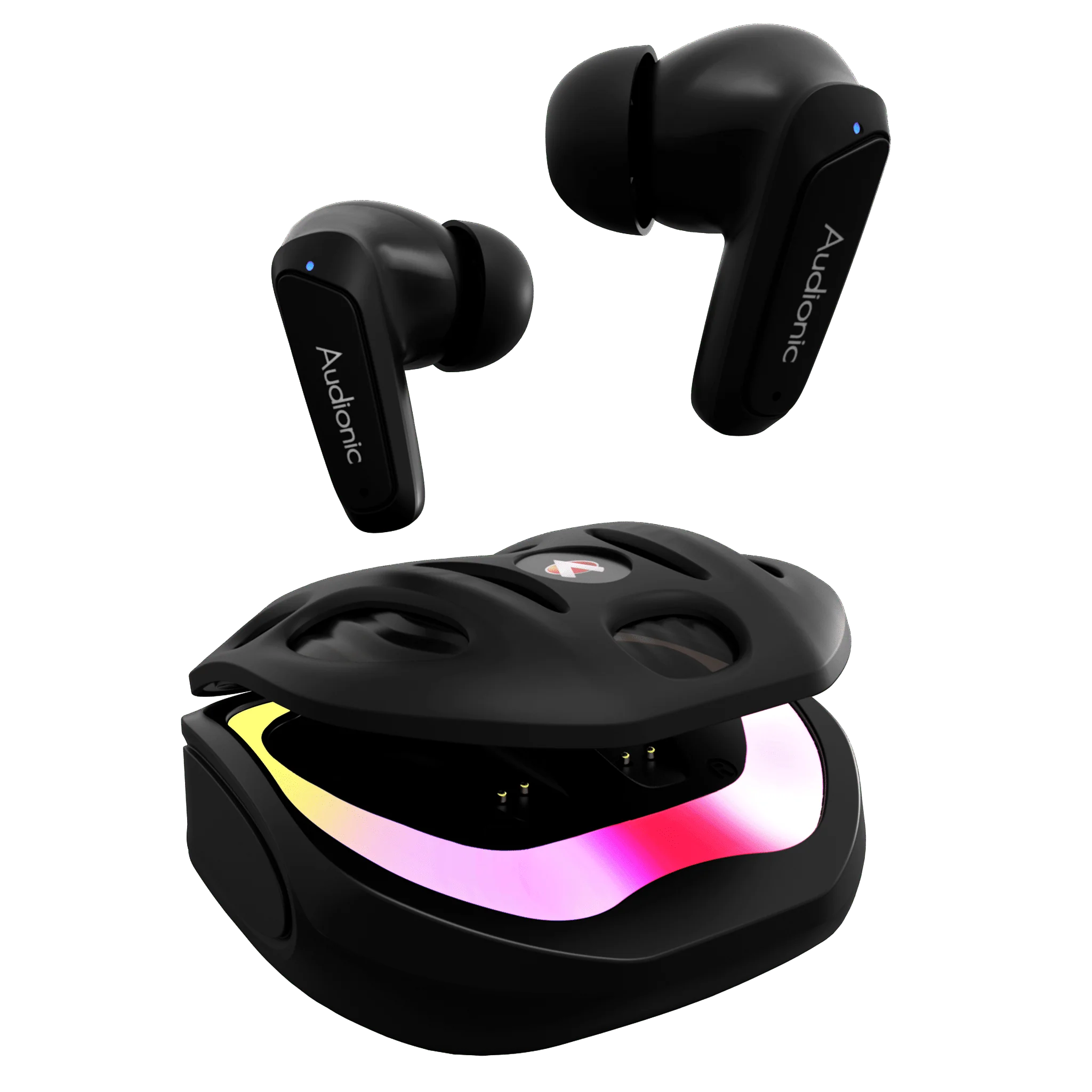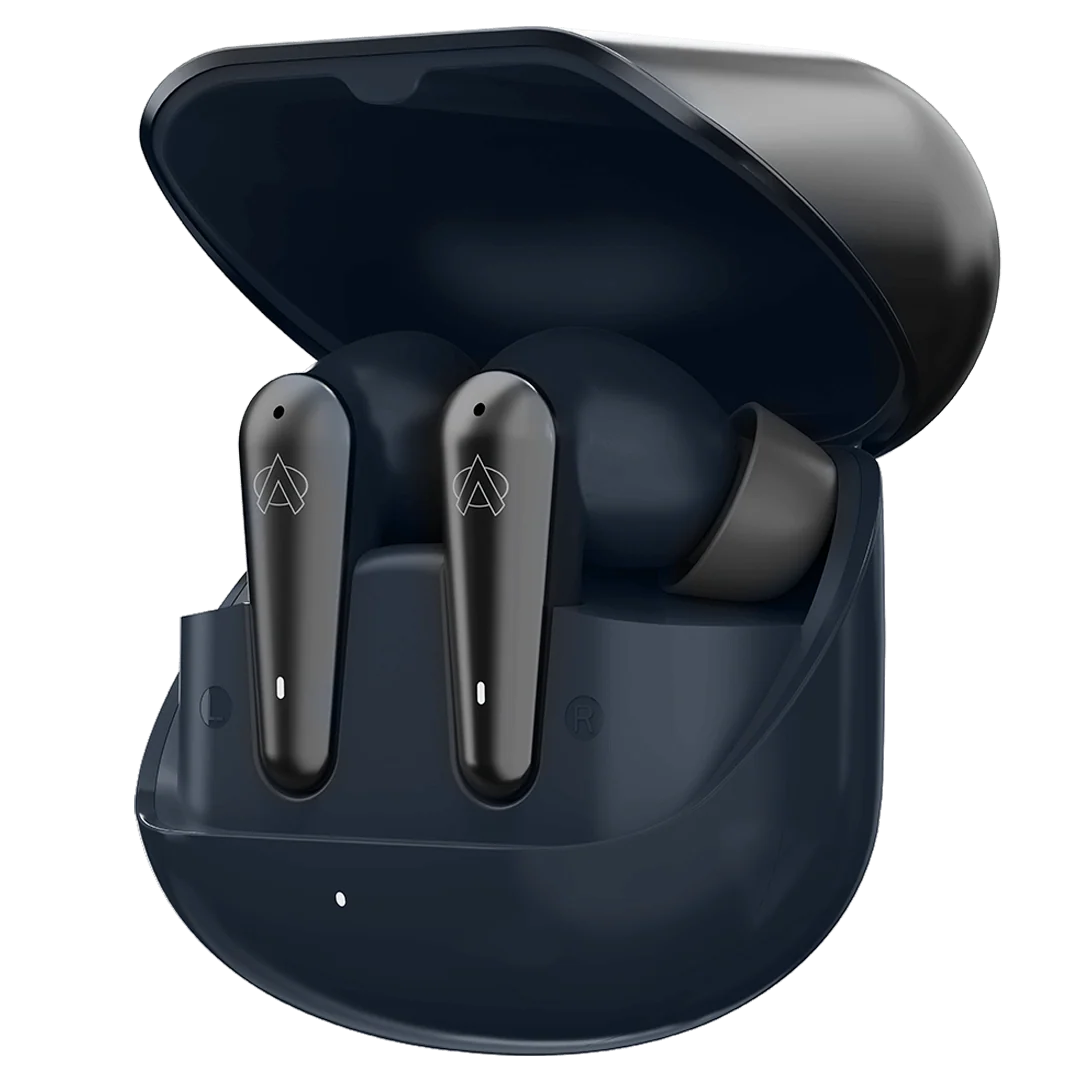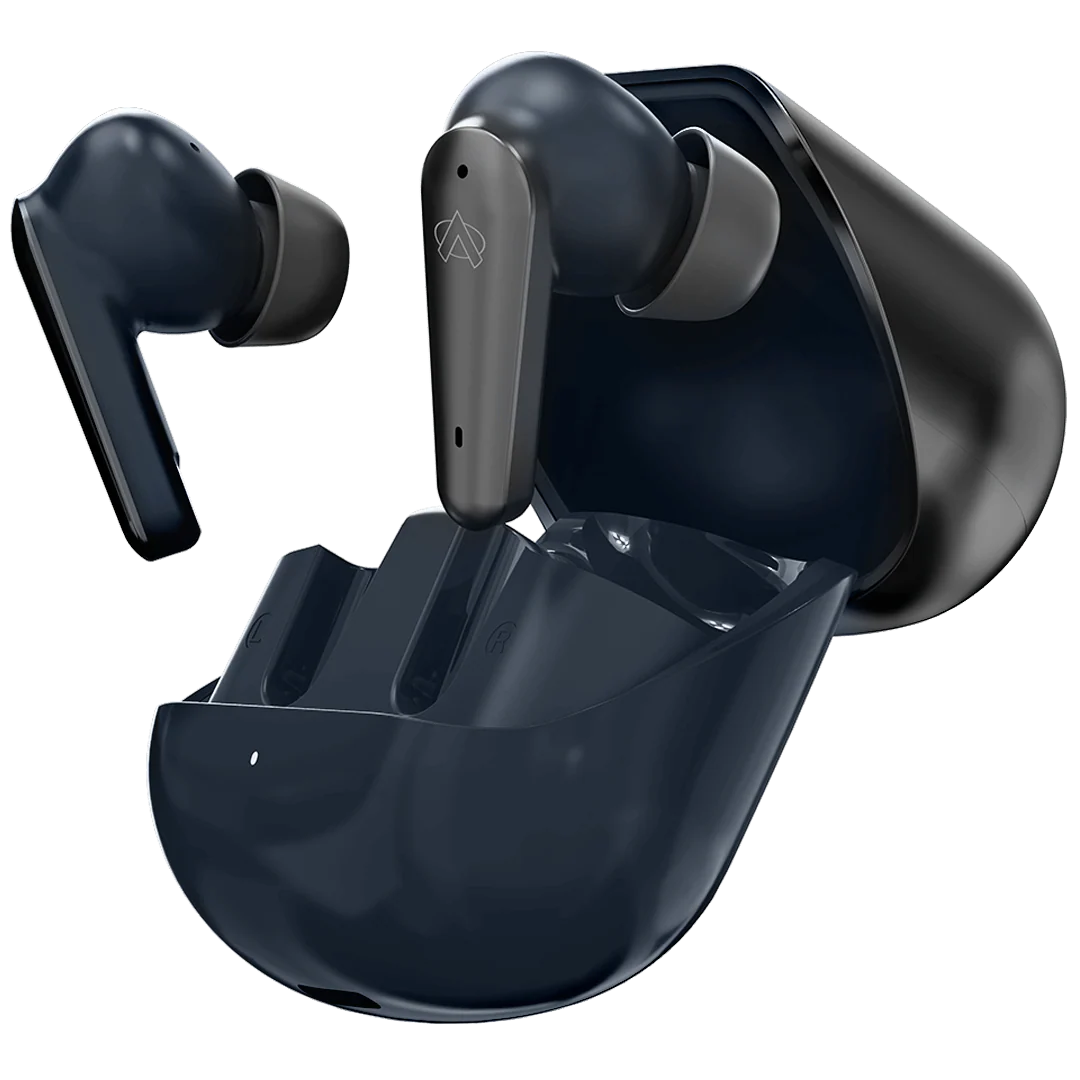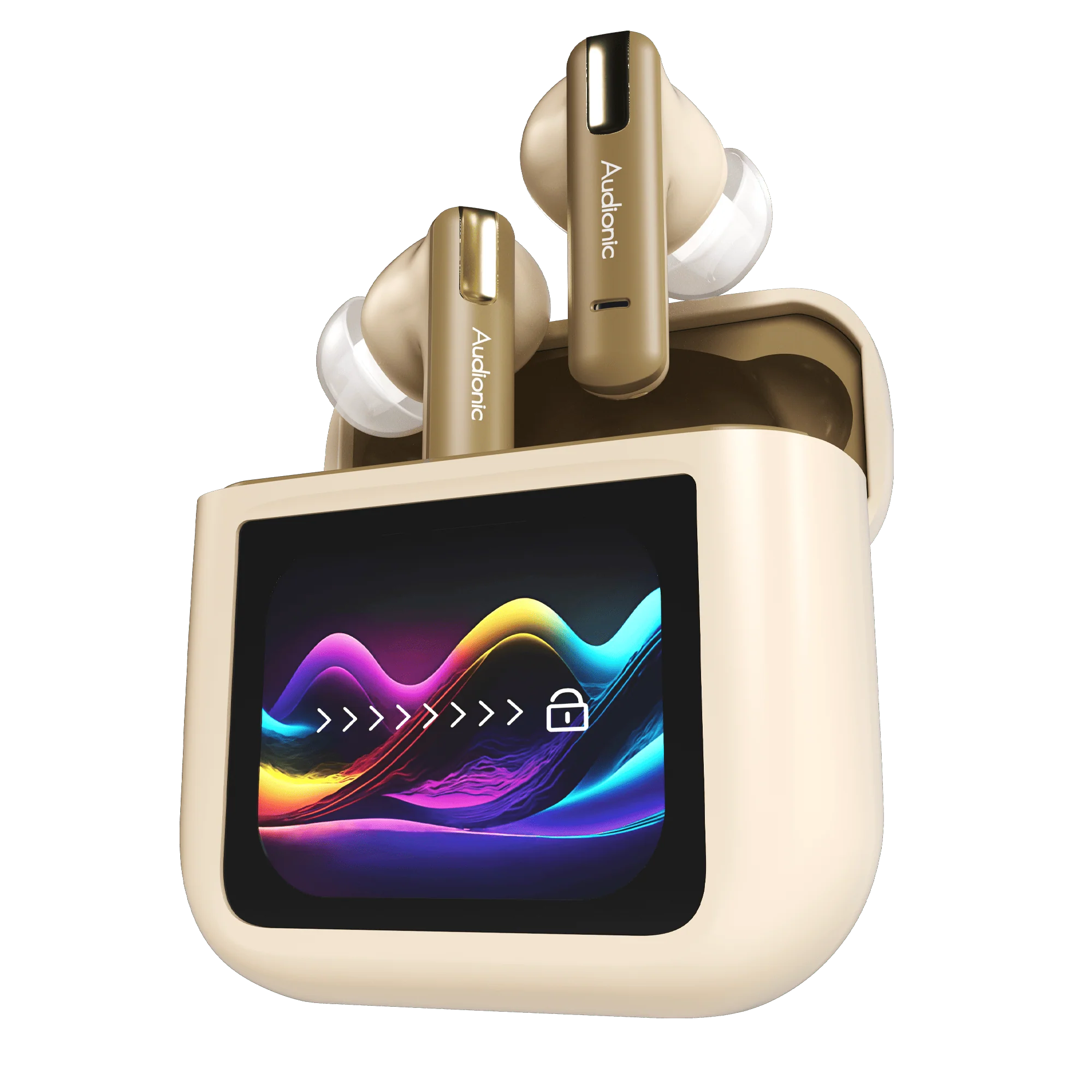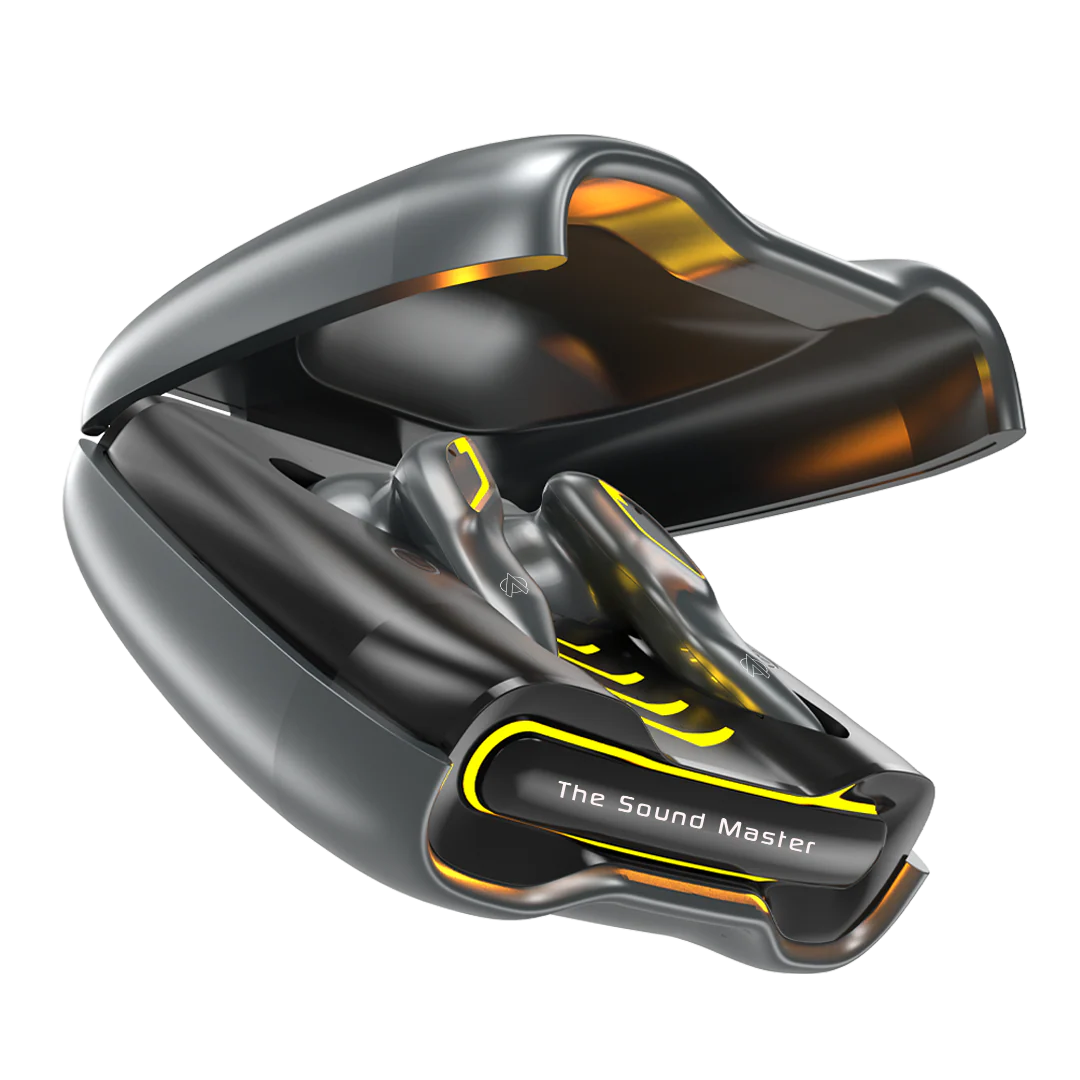
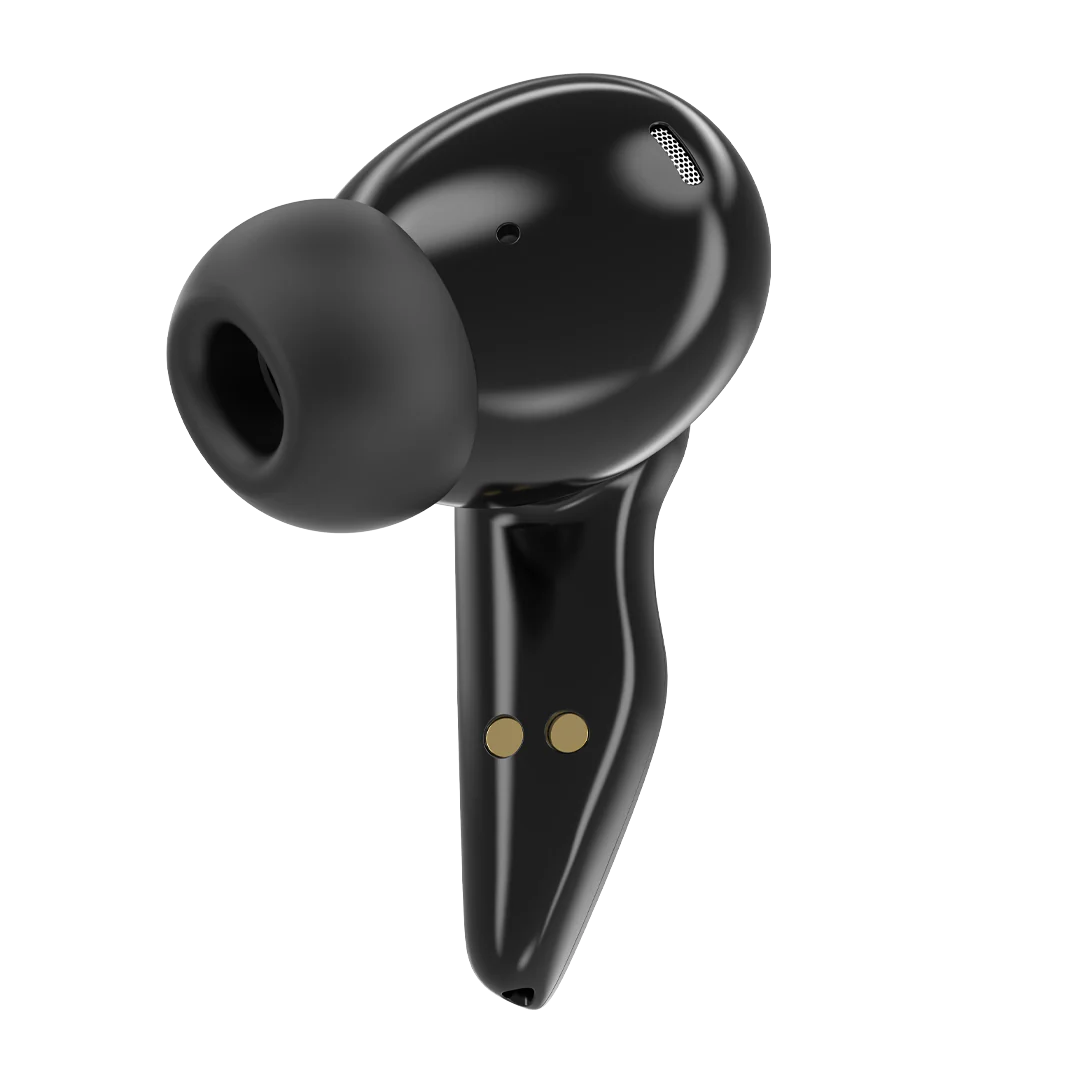
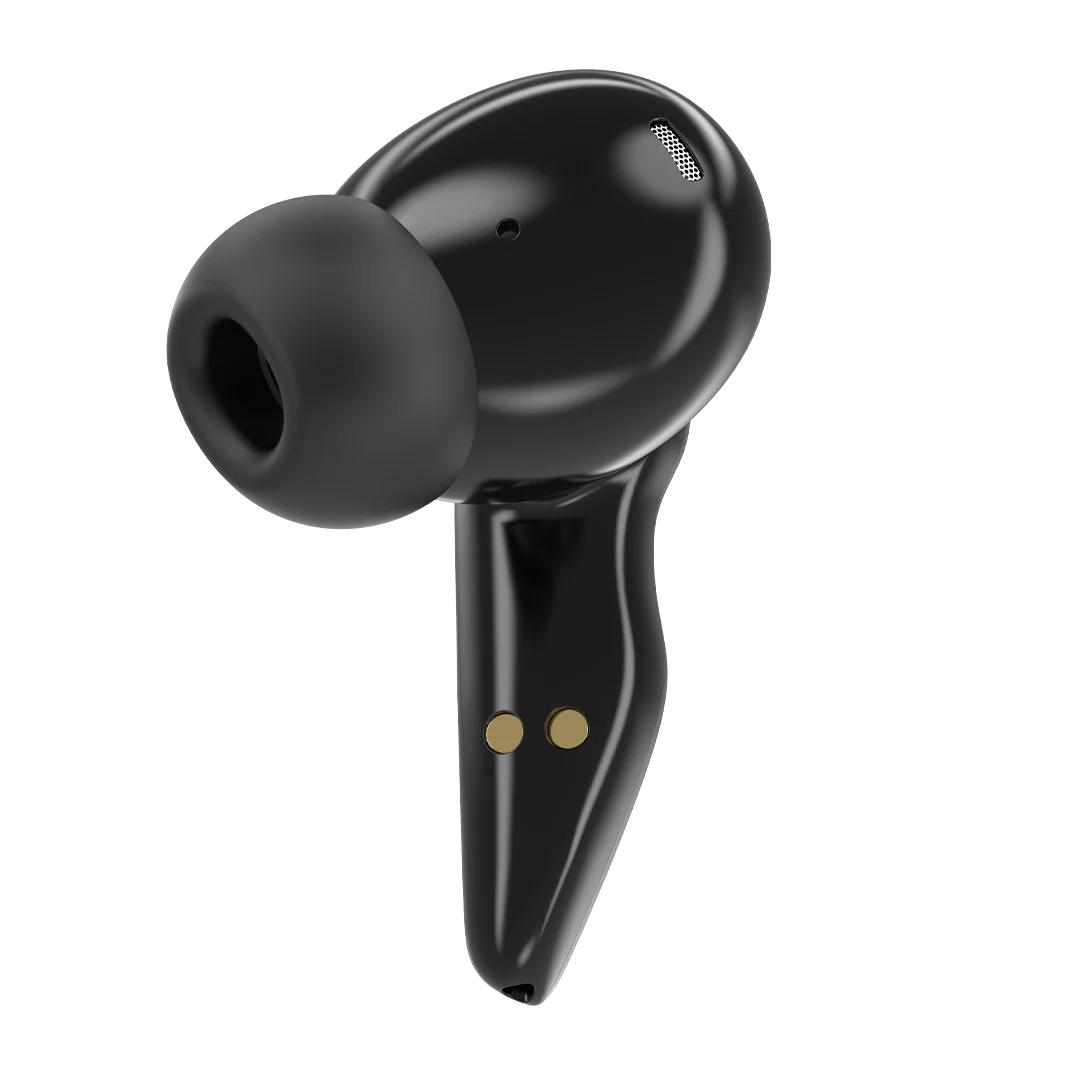
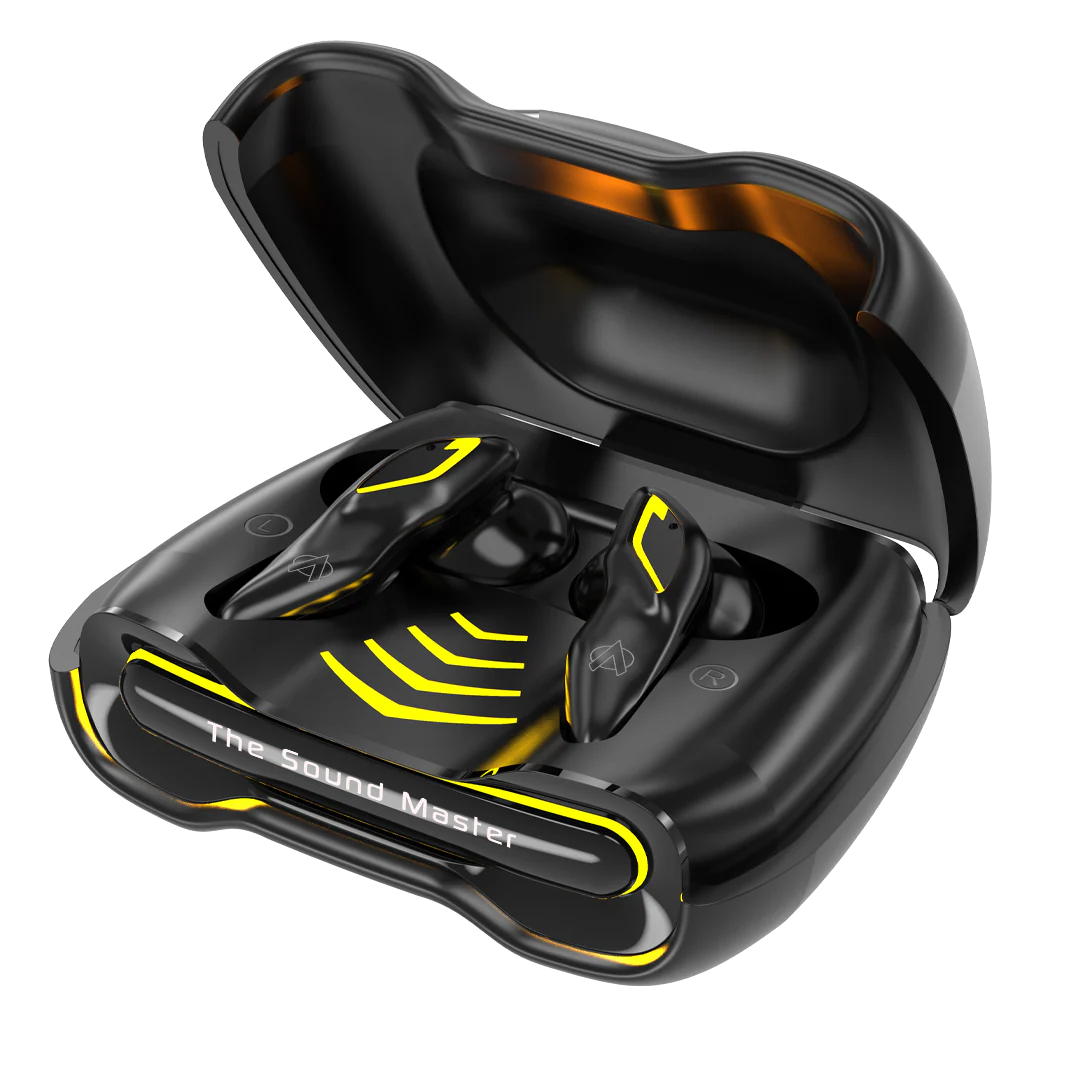
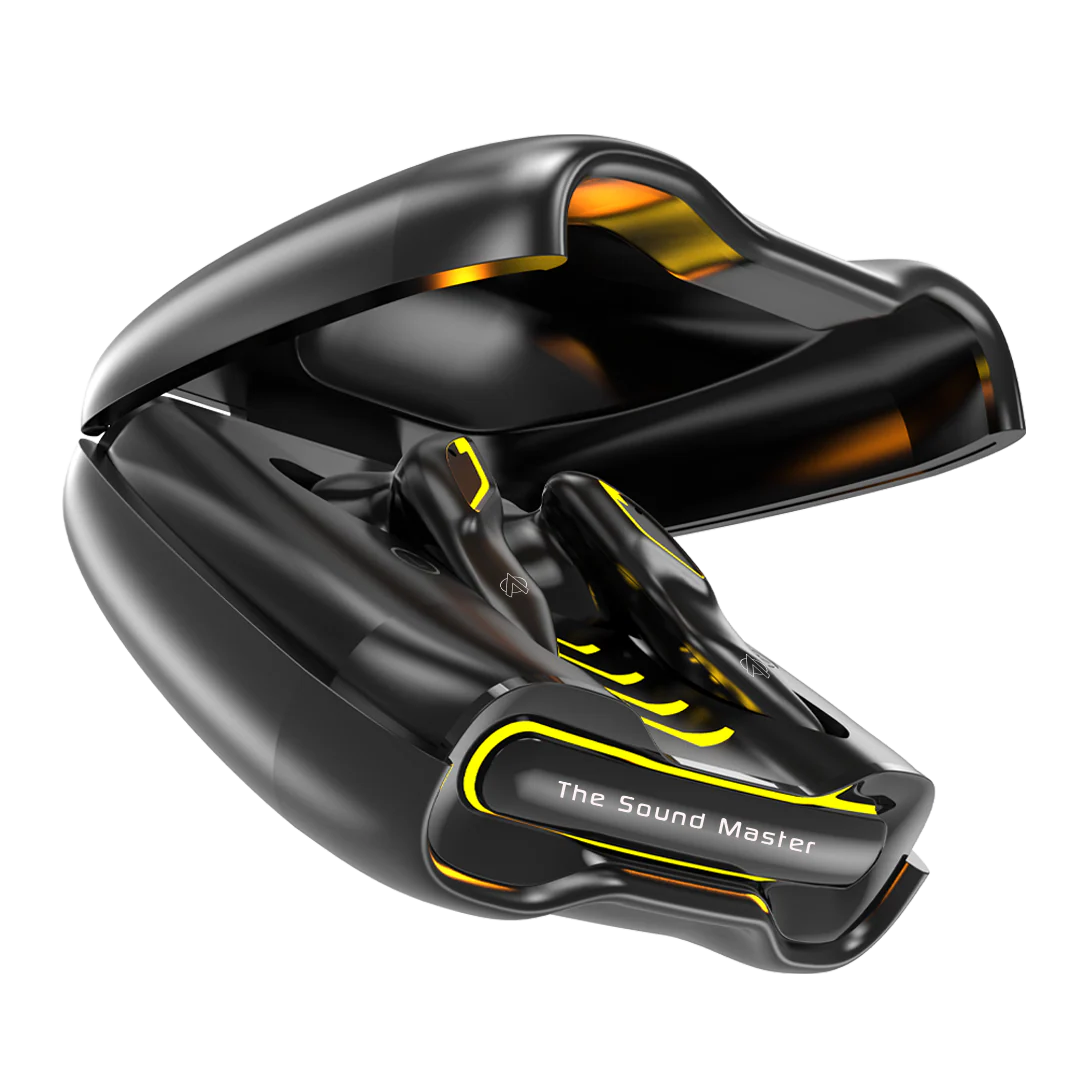
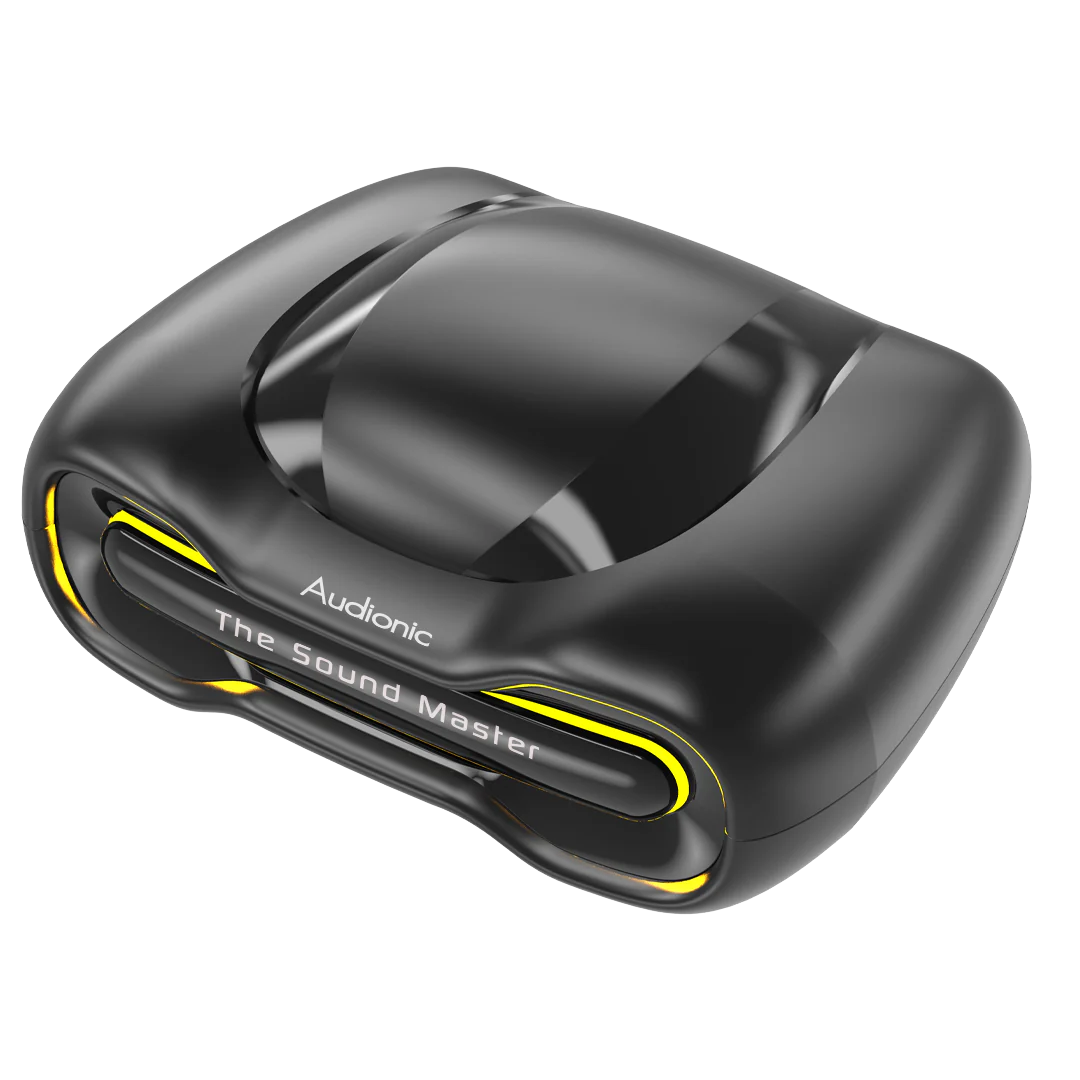
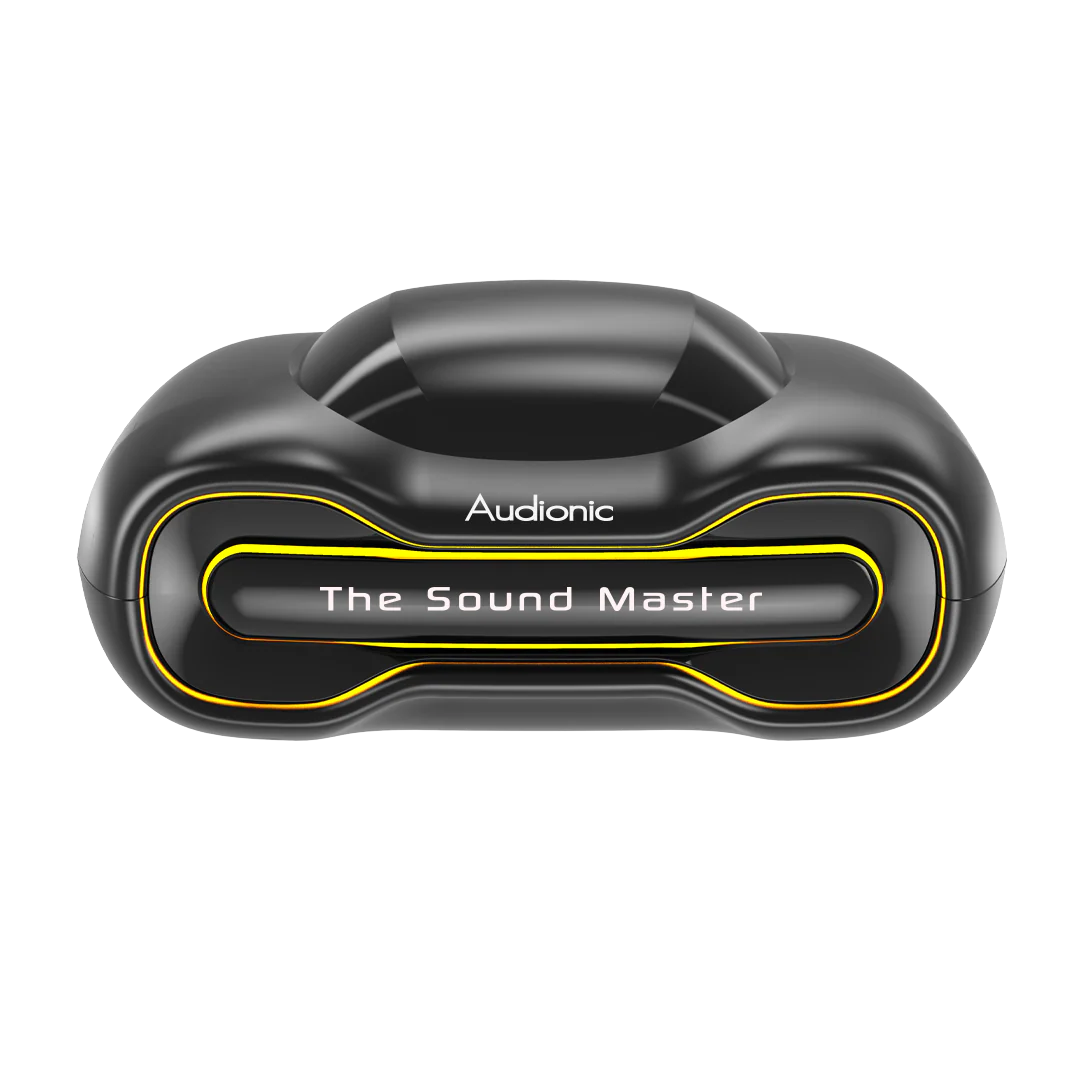
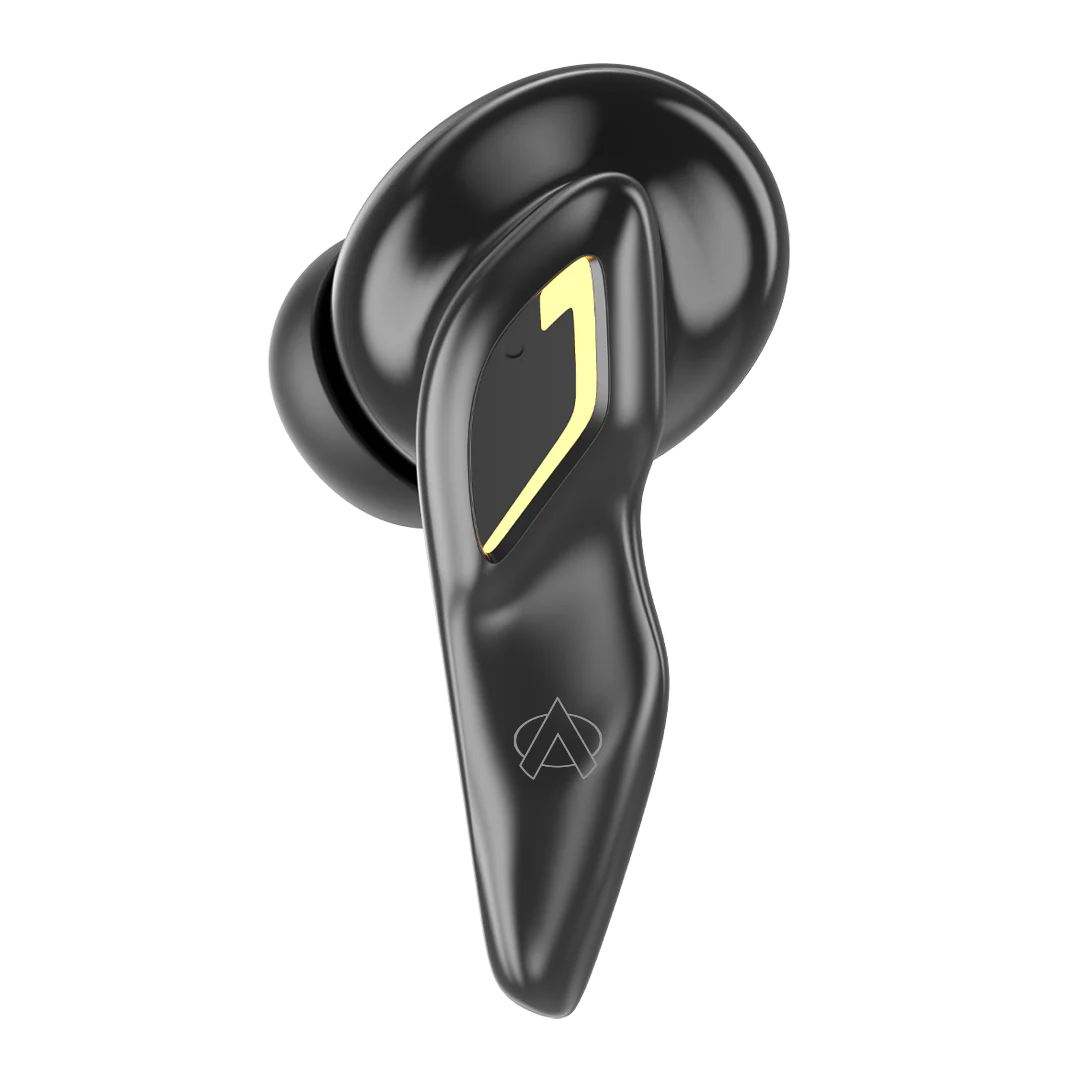
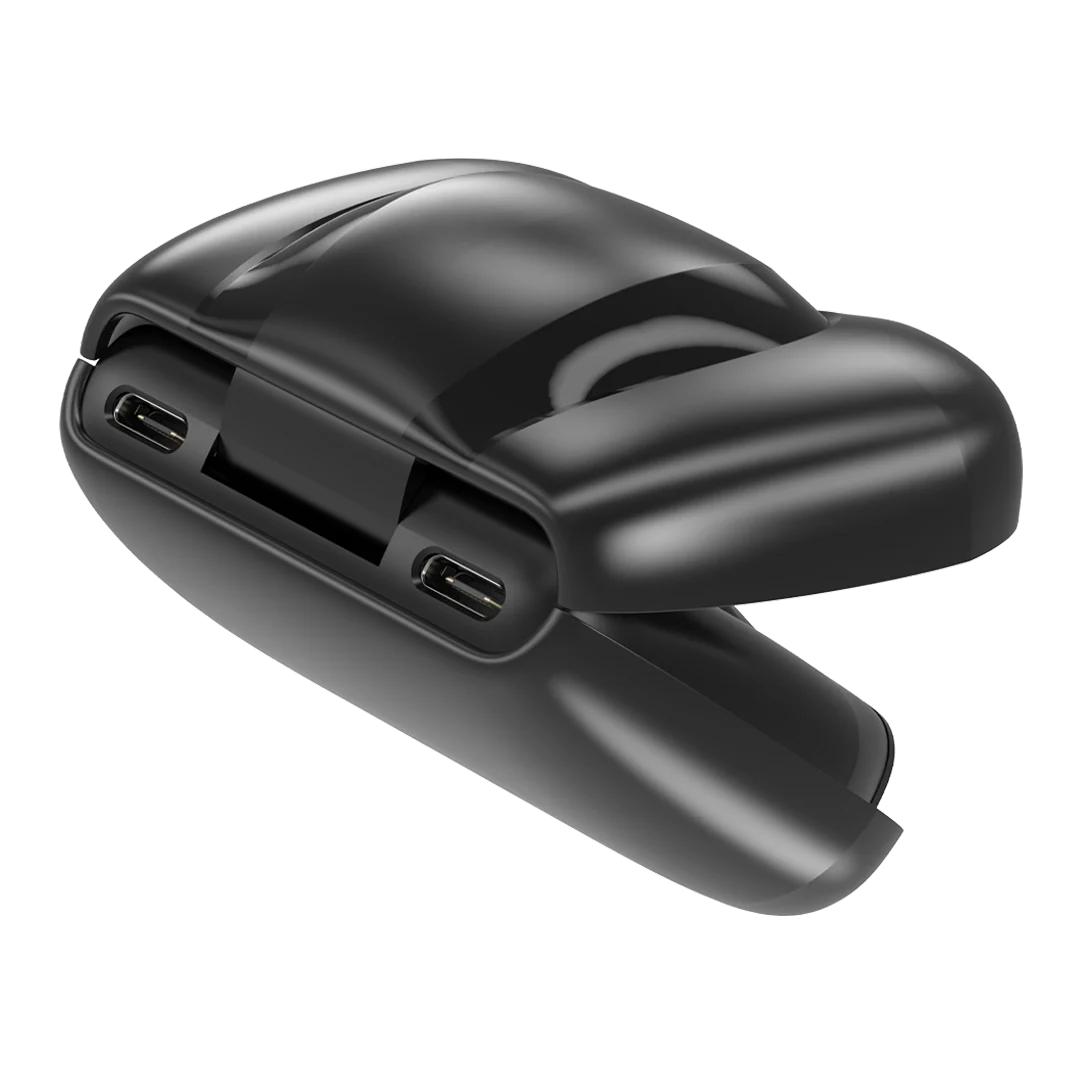
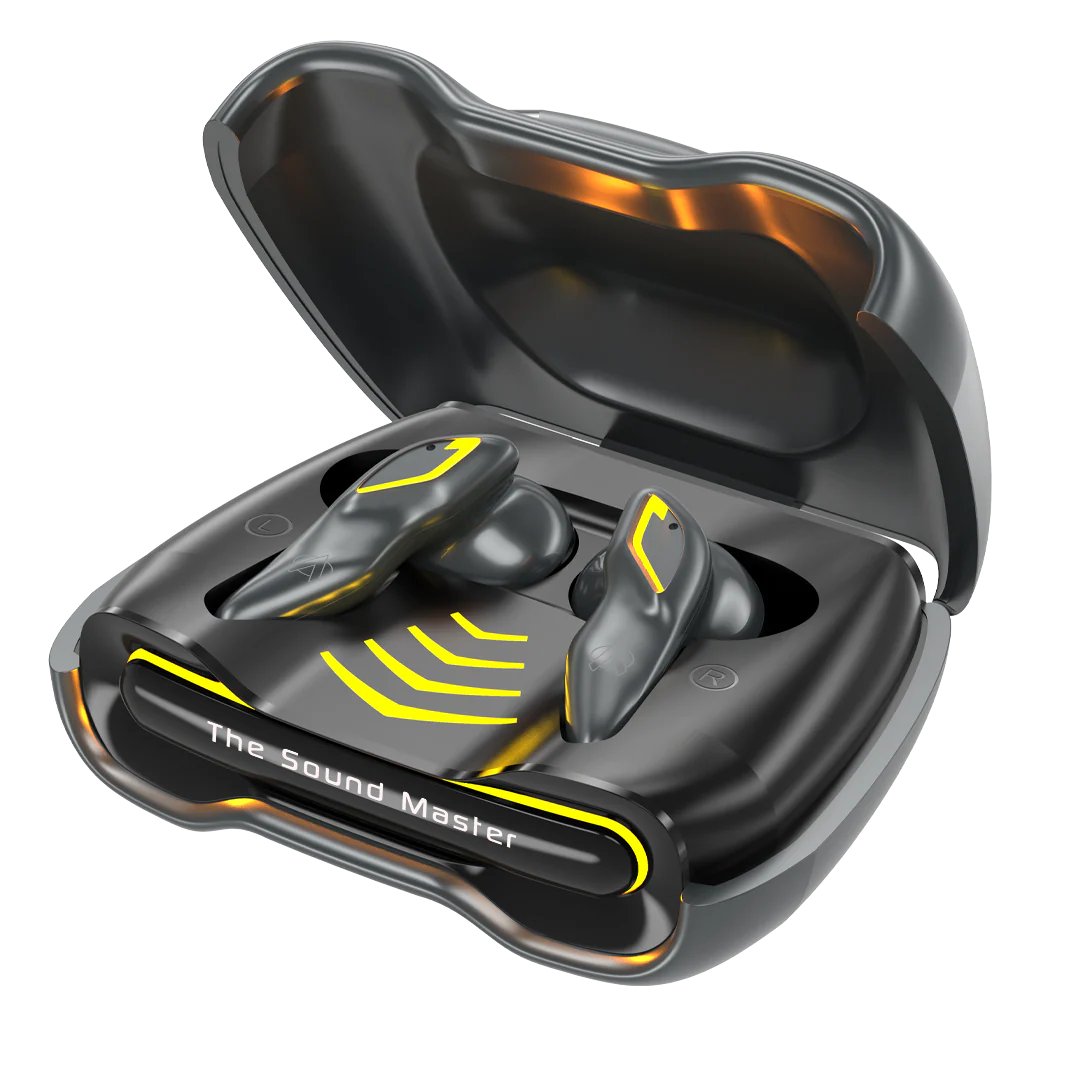
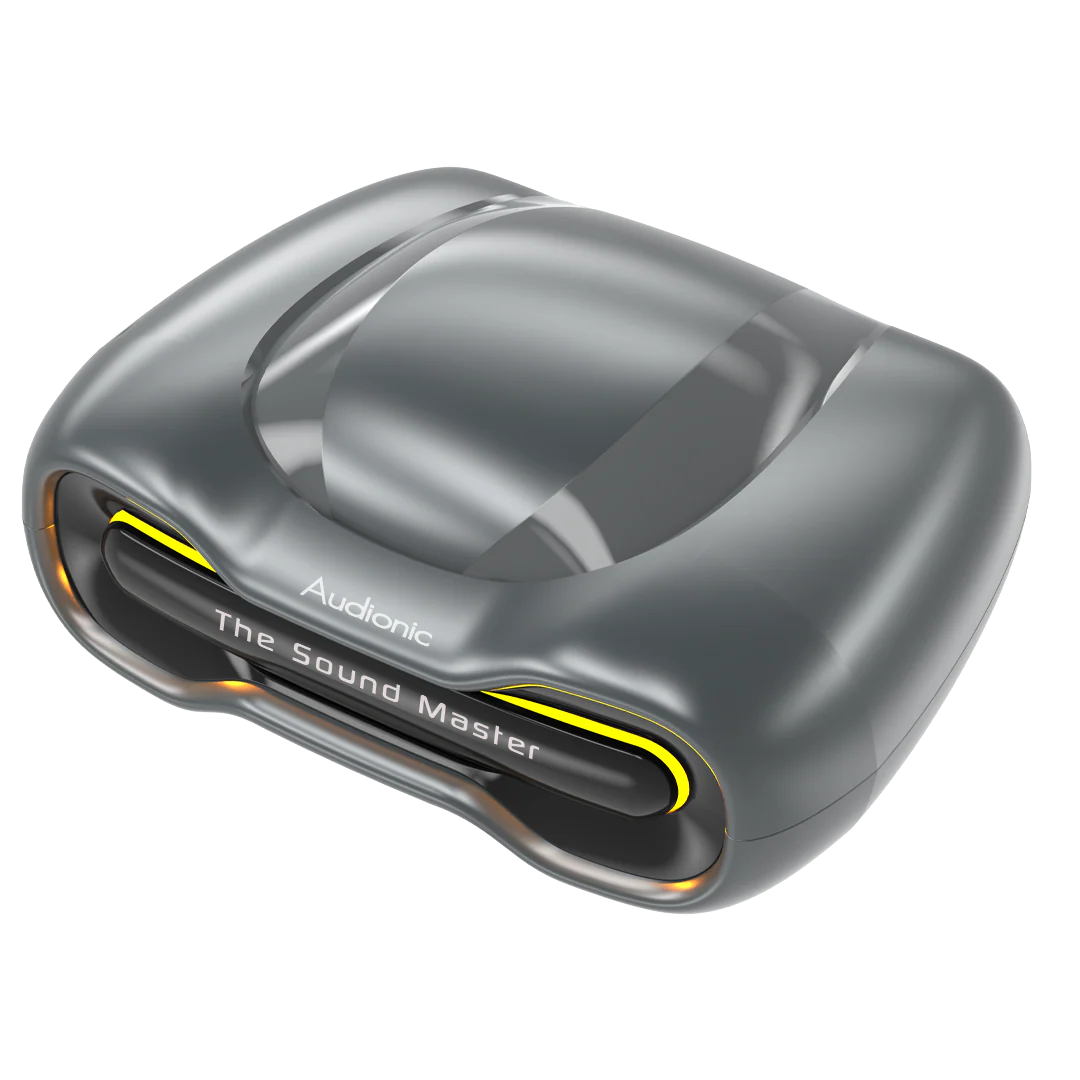
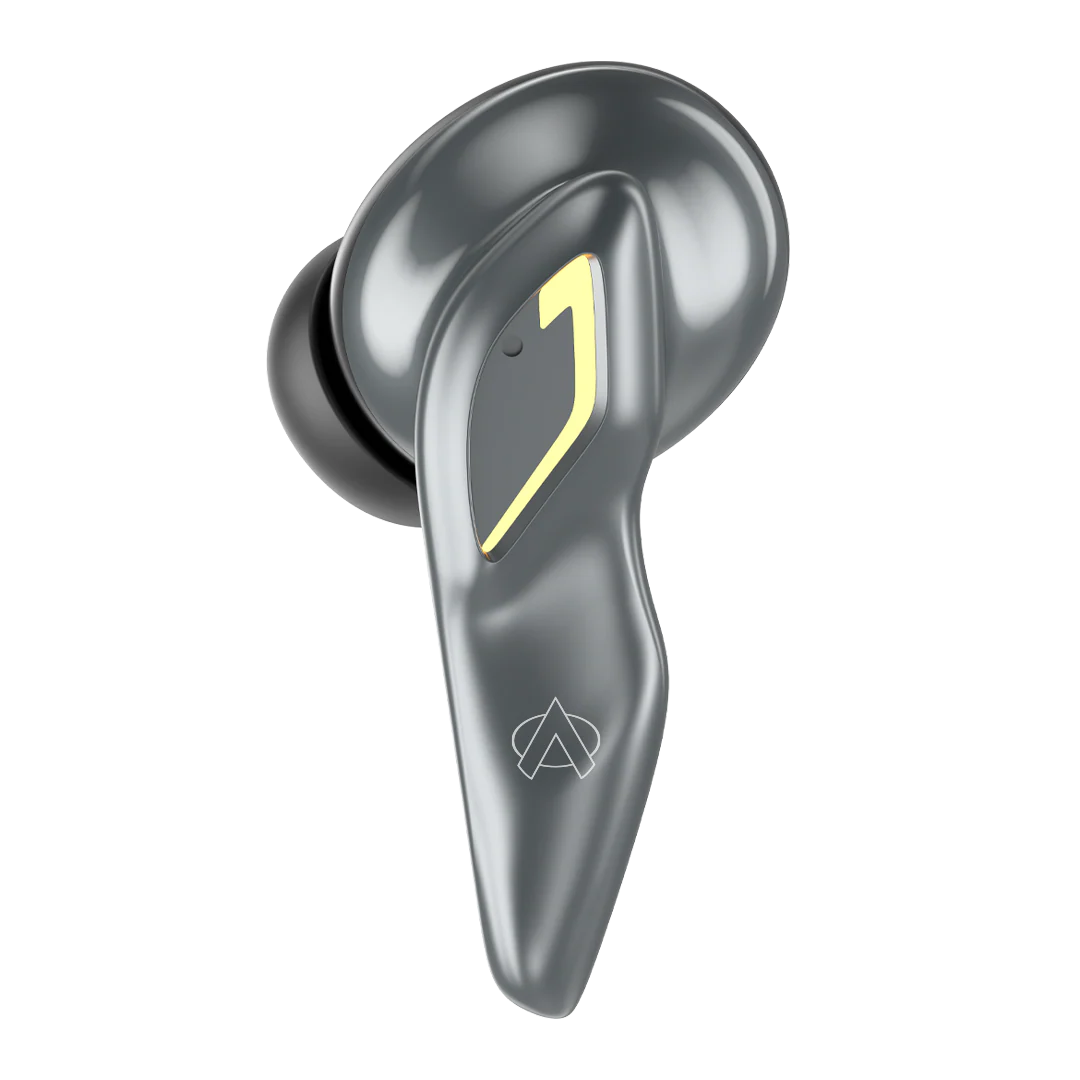
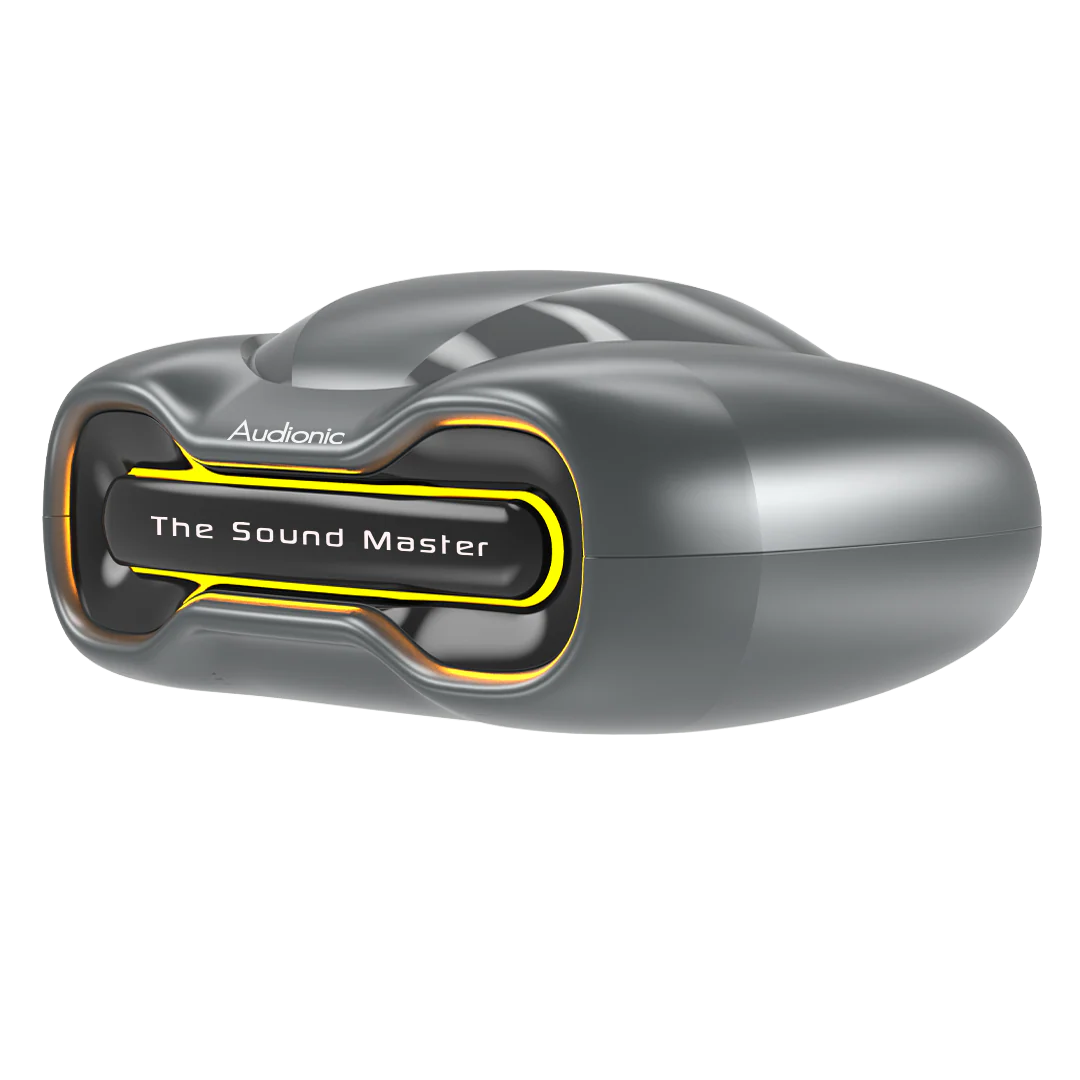
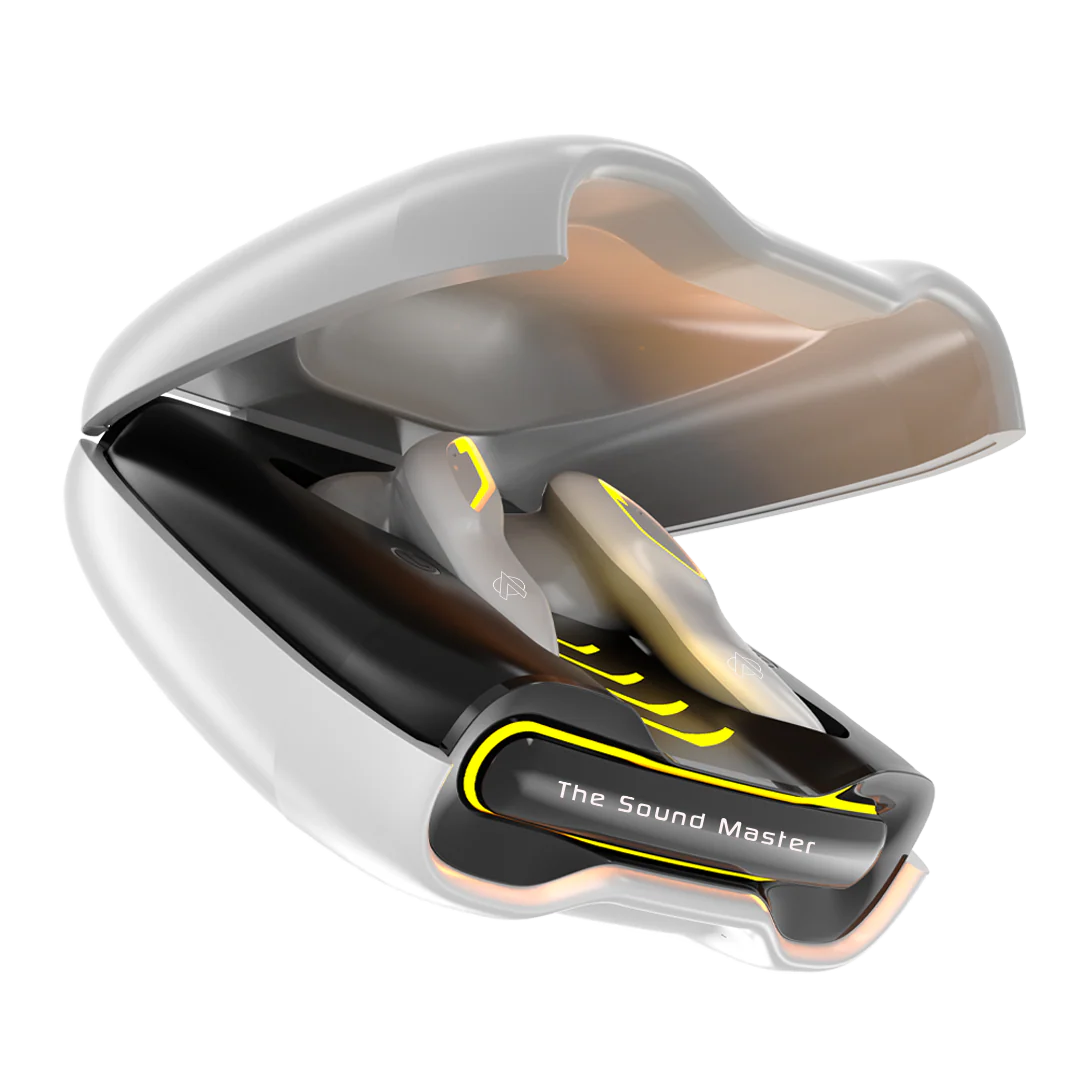
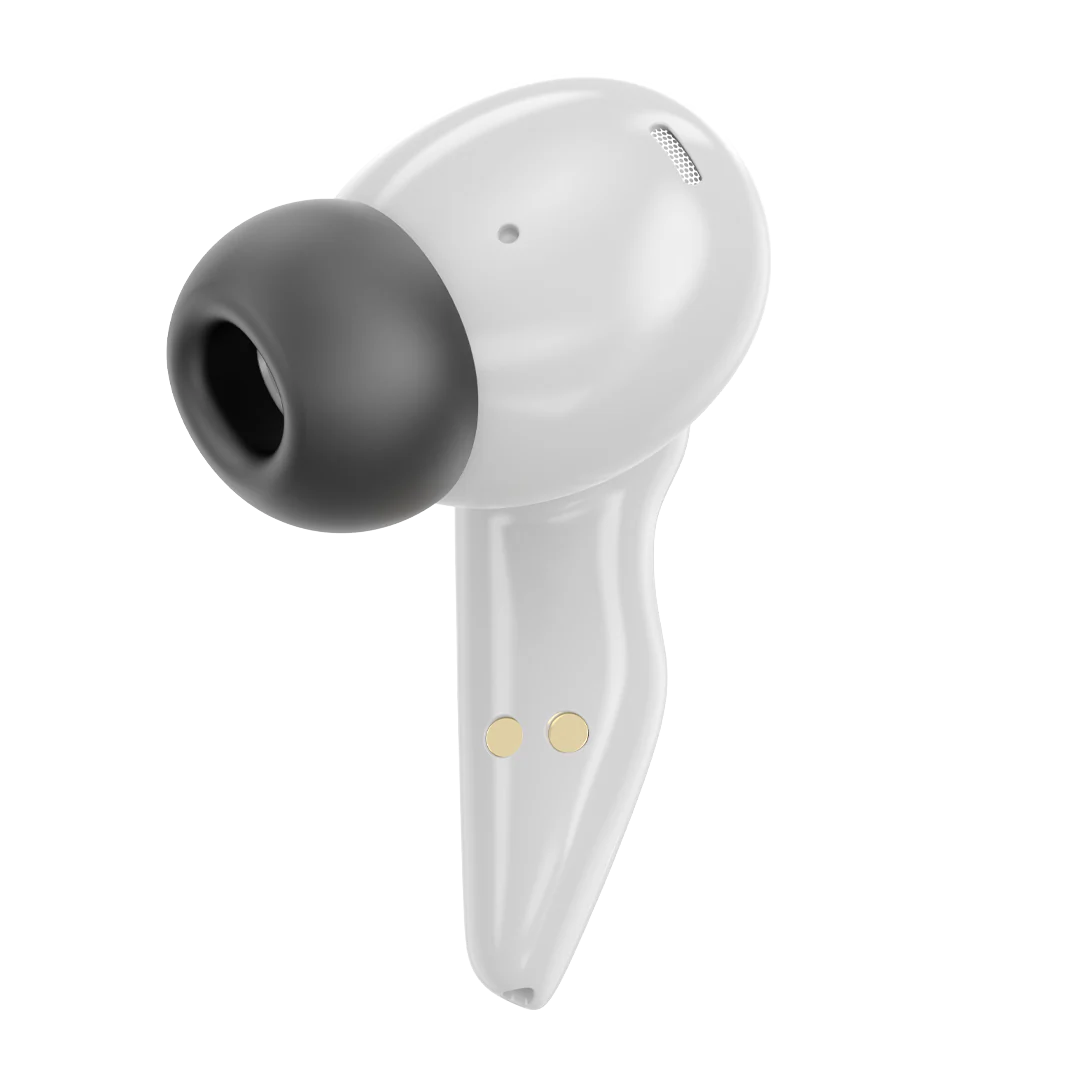
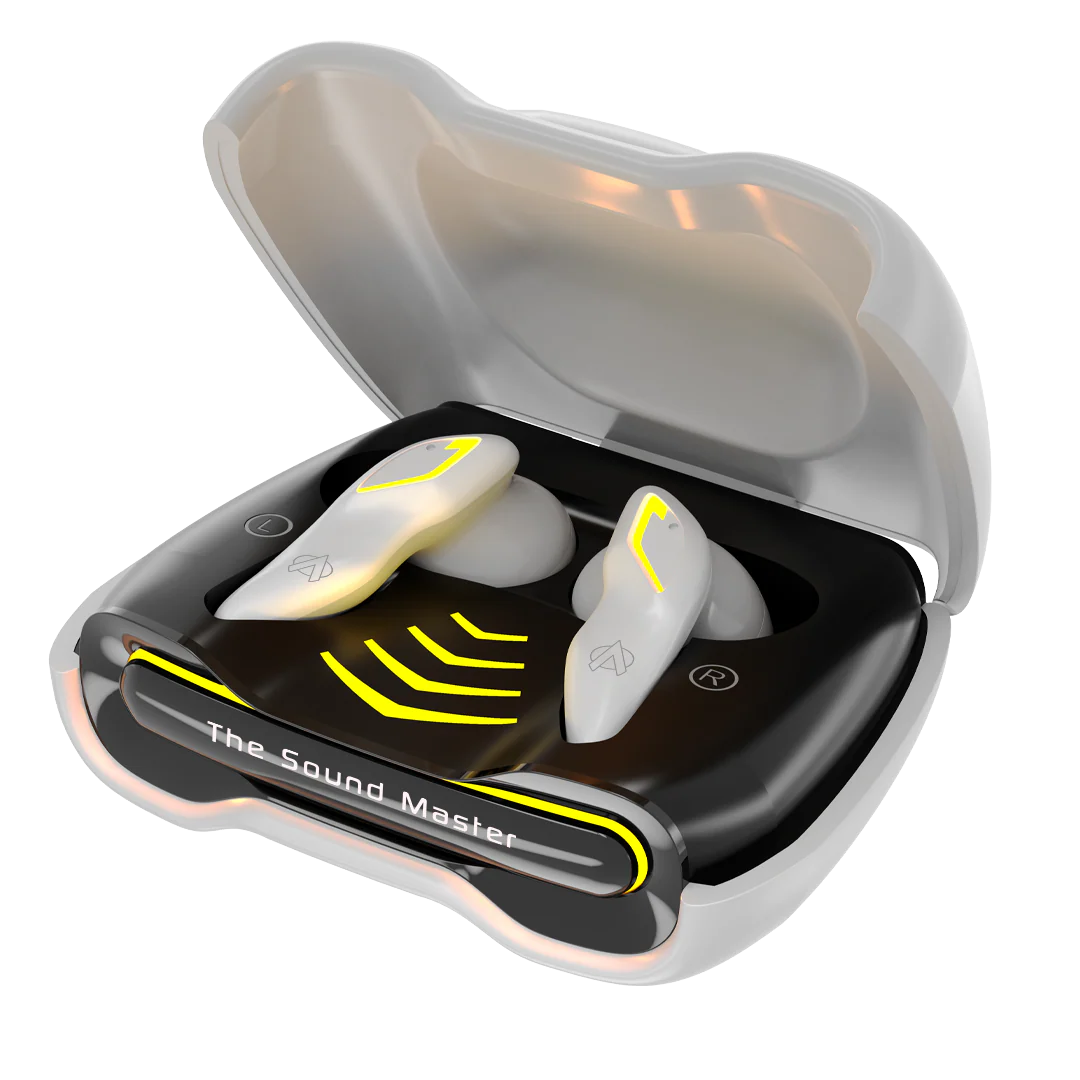
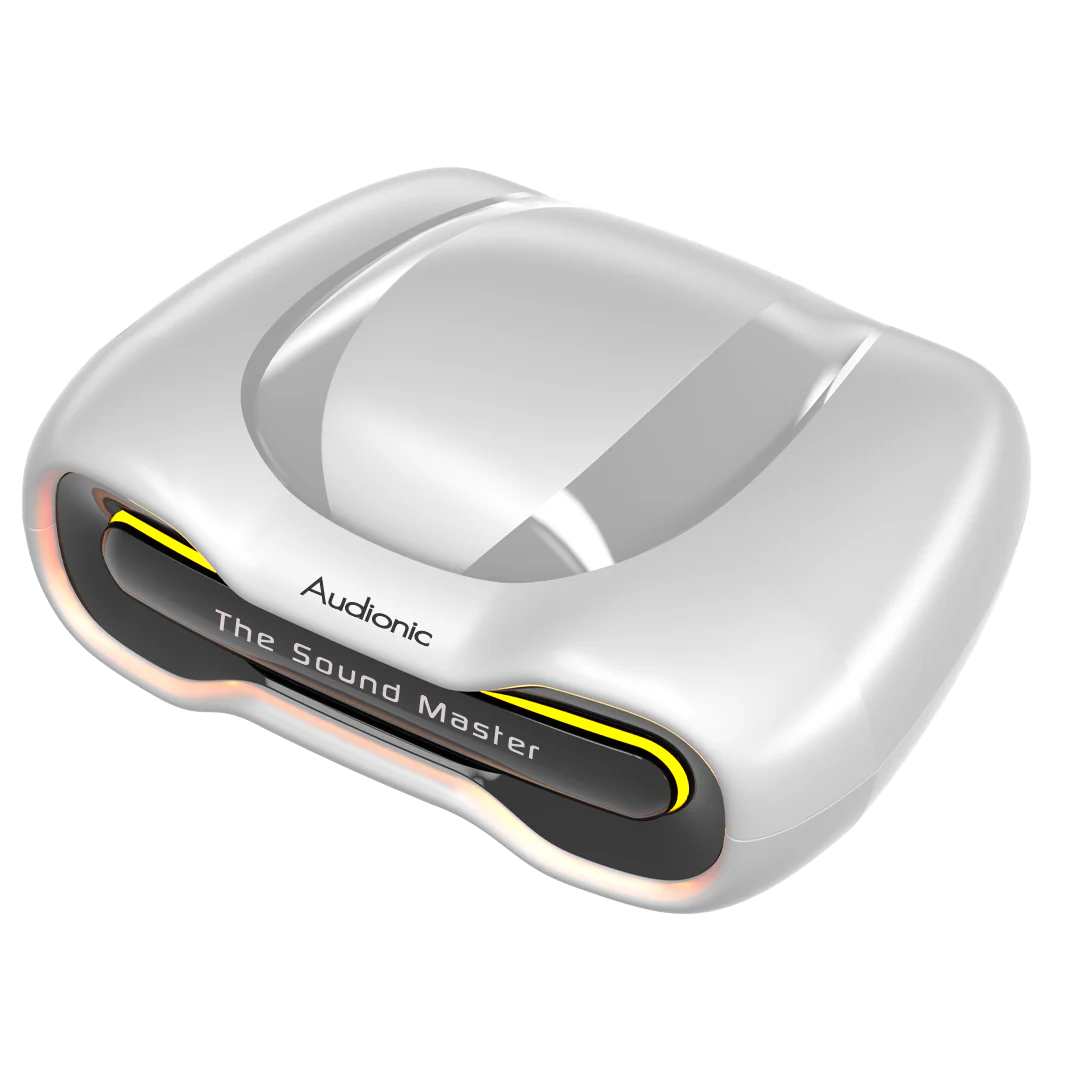
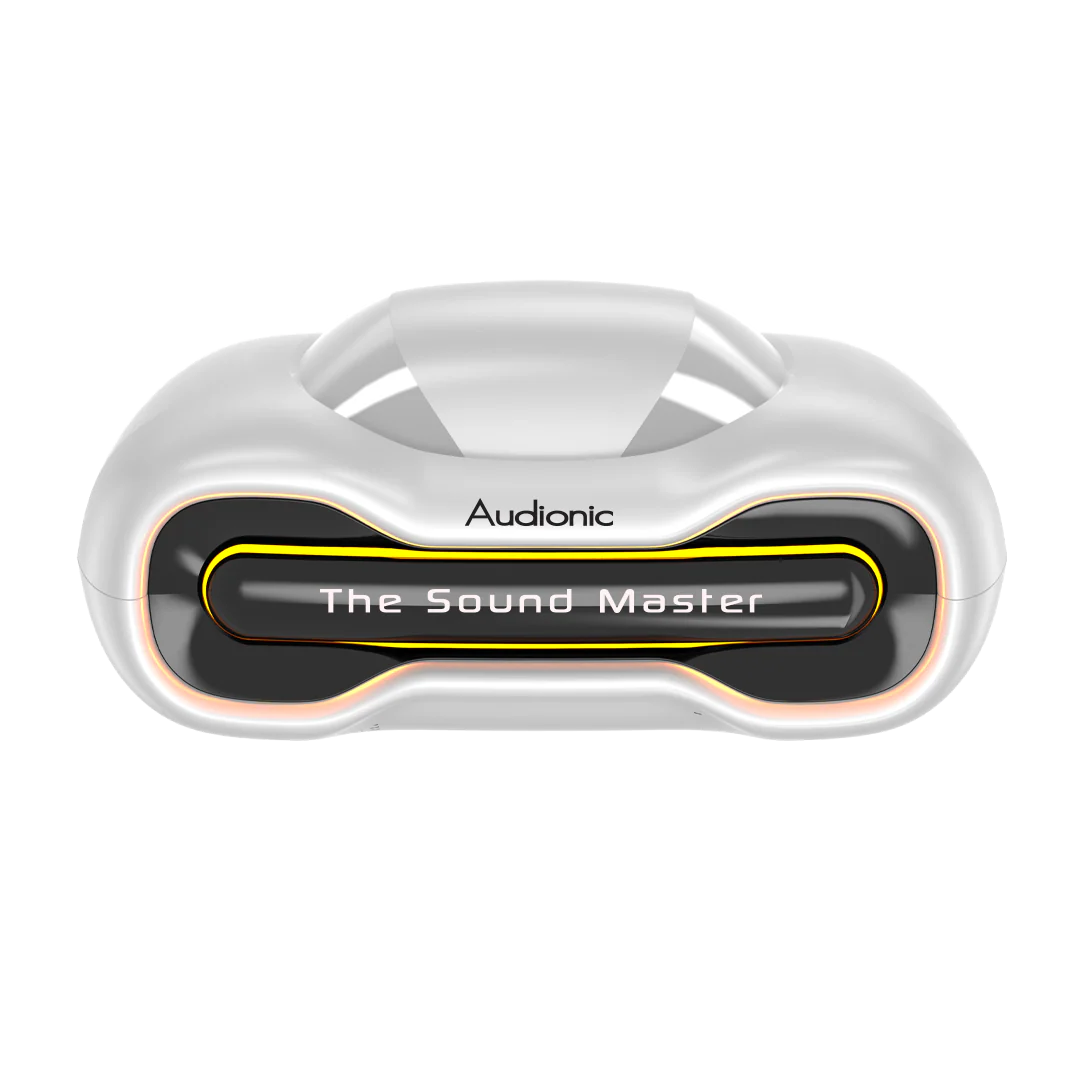
Battlebuds Gaming Earbuds
BATTLEBUDS GAMING
Connectivity
- BT 5.4 Version
- BT Range: 10m
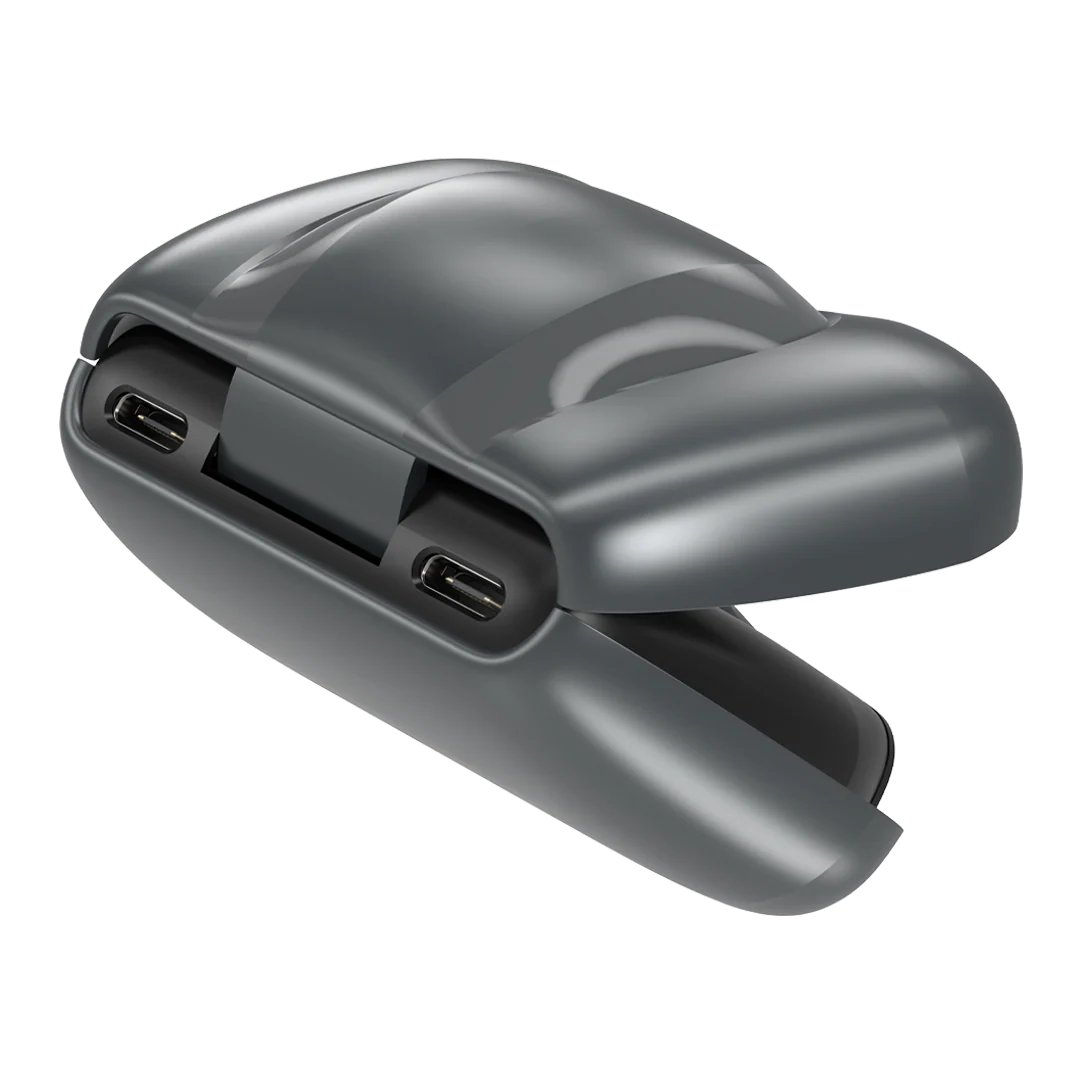
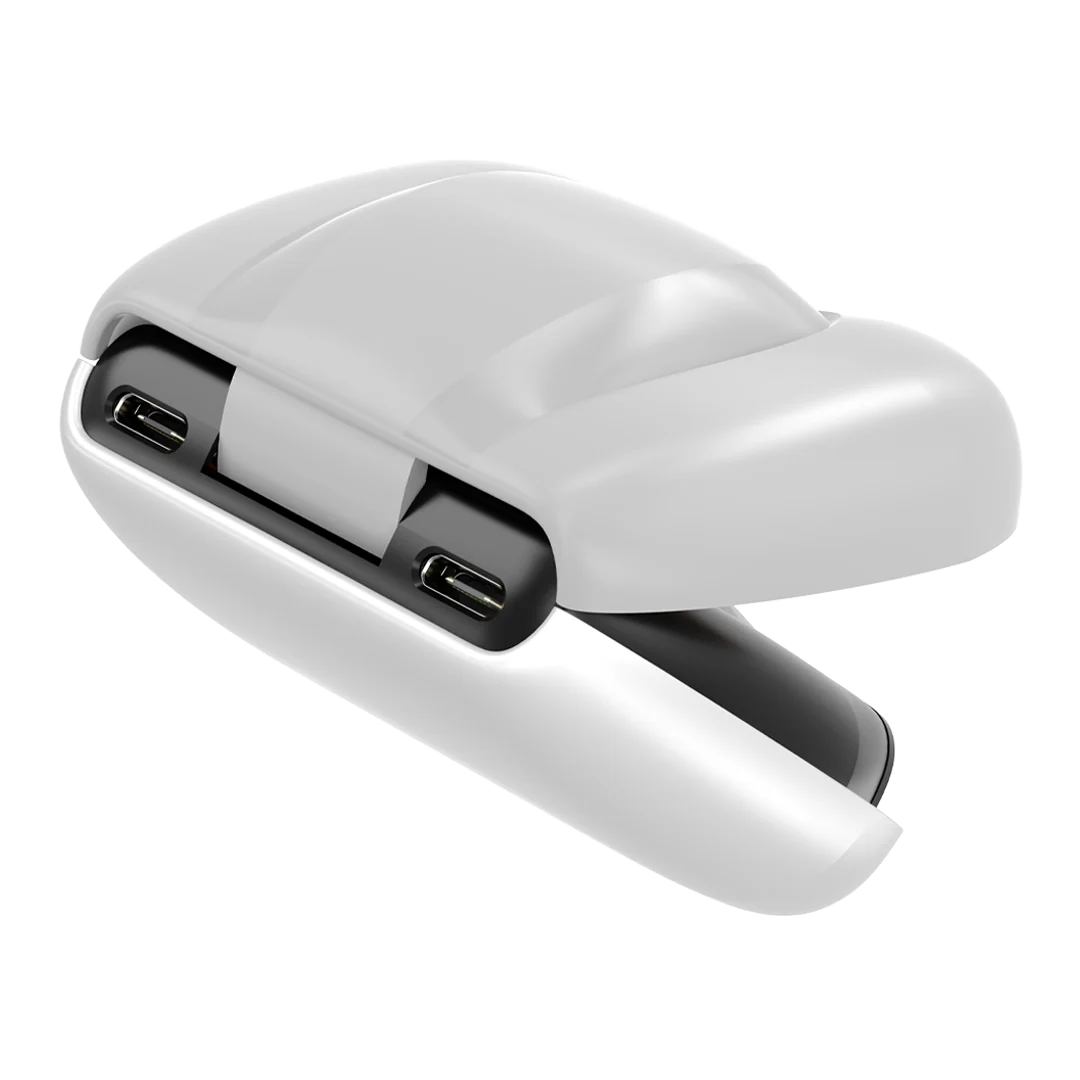
- USB-C Charging
Audionic Suite App
- Yes
Battery & Charging
- 400mAh Case Battery
- 35mAh Earbud Battery
- Charging Indicator
- Charging Input: 5V .5A
- Earbuds Charging Time: Apx. 30-45 Mins
- Case Charging Time: Apx. 1.5 Hrs
Material Used
- ABS Plastic
LDAC Support
- No
Dimensions
- Case: 70x50x25mm
Warranty
- 1 year Warranty
Features available Battlebuds gaming
- ENC Function Quad Mic
- Voice Assistant
- Quick Pairing
- Full Touch control
- Gaming Mode Low Latency 45 ms
· Audionic Customized Application (Audionic Suite App)
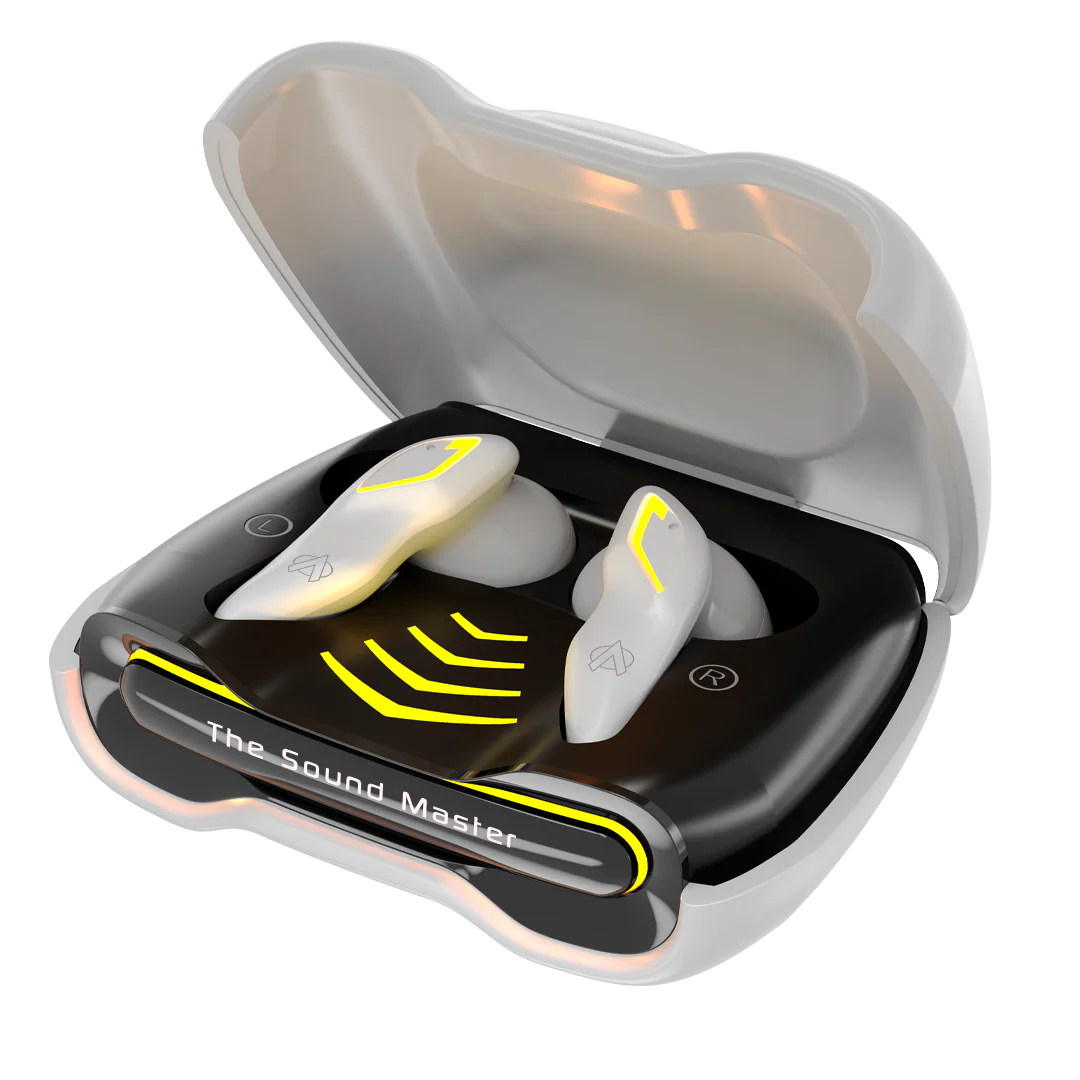
· RGB LIGHTS
Features not available Battlebuds gaming
· Dual Device Pairing
· Custom EQ Modes
· 3D Surround Sound
· Active Noice Cancellation ANC
Other Specs
- Fr. Response: 20Hz~10KHz
- Drive Unit: 13mm
- Impedance: 32Ω
- Weight of the Product: 59.6gram
RGB Lights
- Yes
What's In the Box
- User Manual
- Feature Book
- Type-C charging cable
- Warranty Card
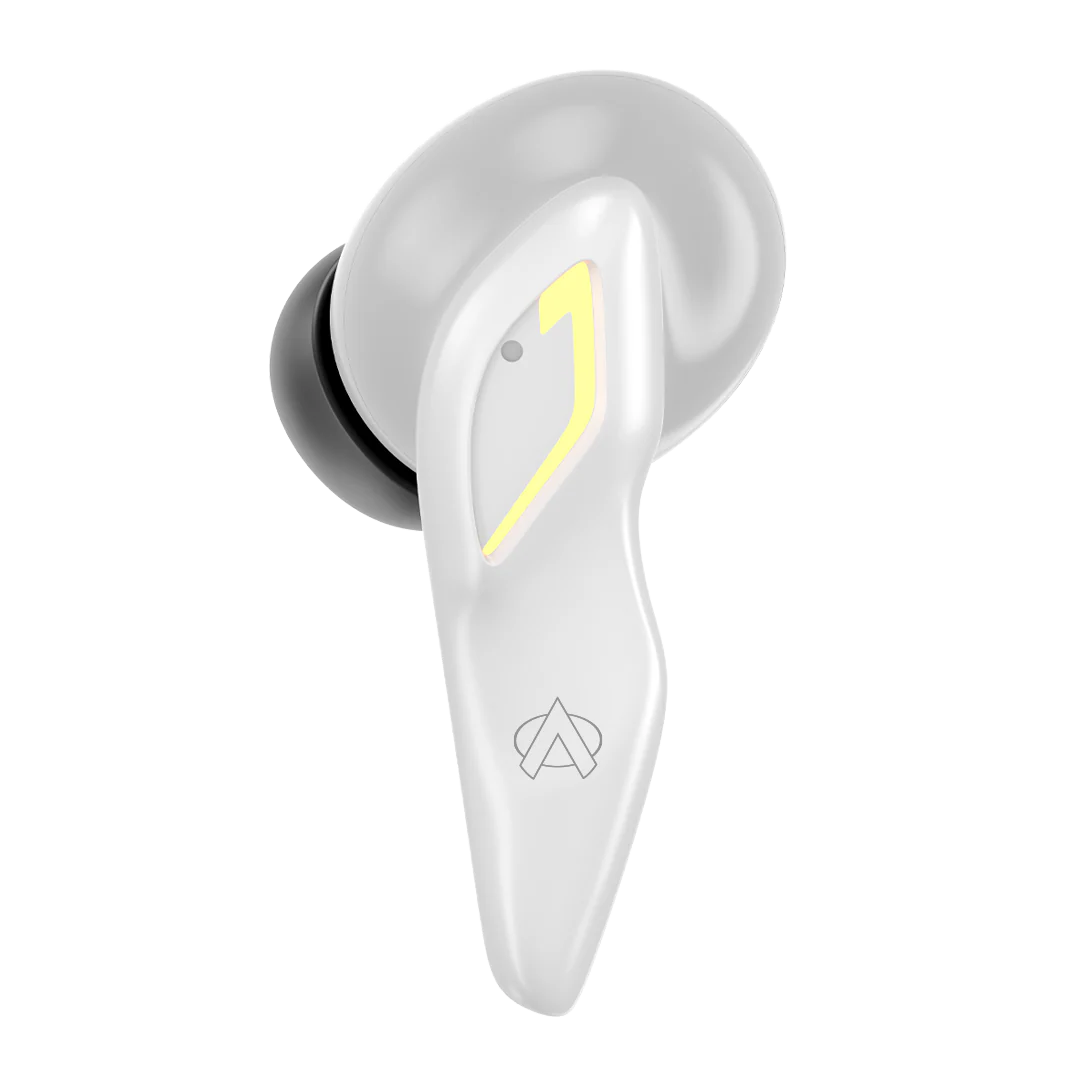
- Eartips
- Airbuds
About the Product
Can I use Battlebuds as a single earbud while listening to music?
Yes, you can. Place one earbud inside the case and use the other one and pair it with your device. Please note that both the earbuds would be connected to the phone.
Does Battlebuds have a touch feature to change tracks?
Yes, you can change tracks by tapping the earbuds. Double tap left earbud to go to the previous track. Double tap right earbud to go to the next track.
How is the calling?
The call quality is good as long as the network is good and there are no disturbances in the surroundings.
During calls is the audio available in both ears?
Yes, Battlebuds support stereo mode during calls.
What is the internal memory?
Battlebuds do not have any internal memory.
Does it announce caller name or number on incoming calls?
No, it doesn’t.
What is the exact use of that case?
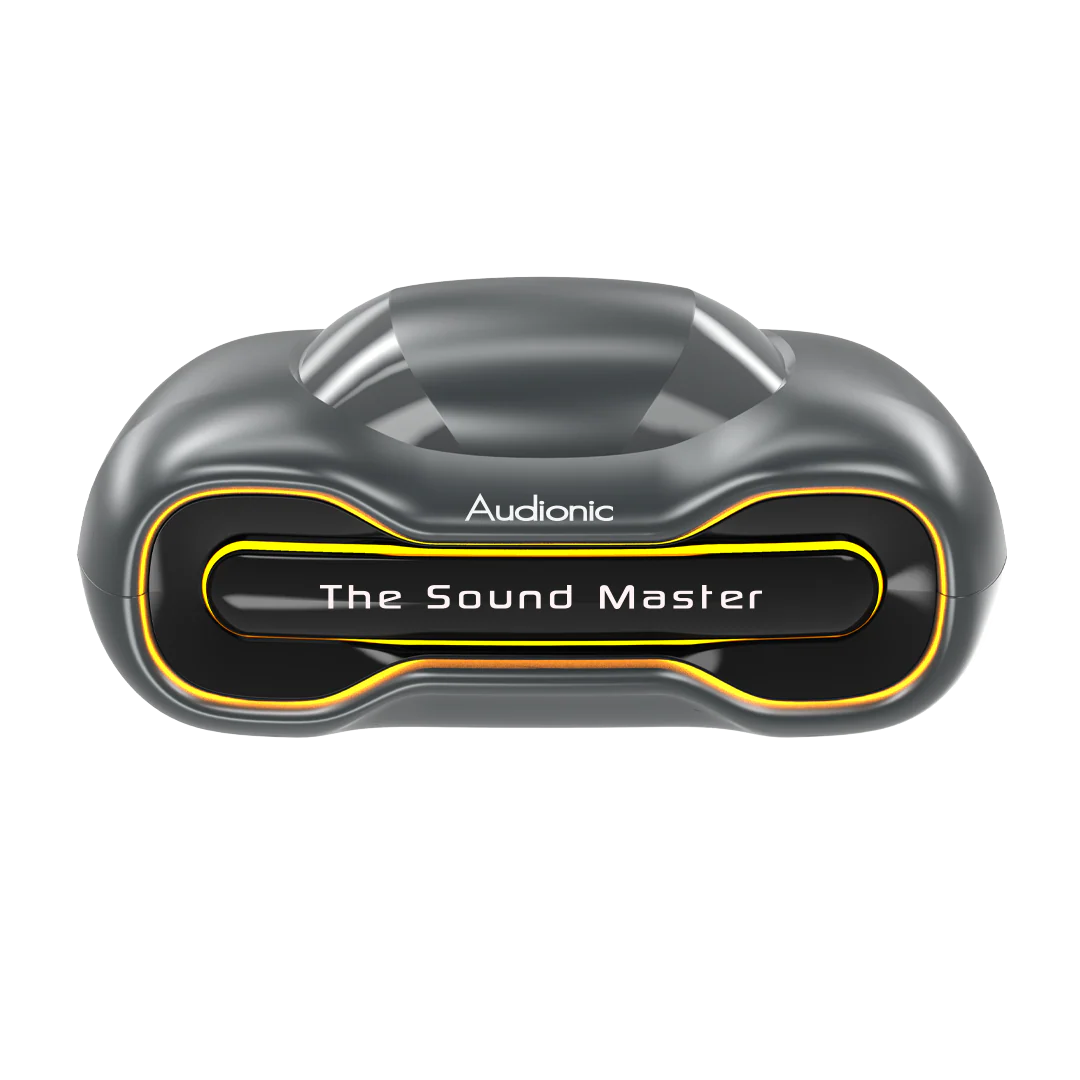
The case works as a charging and holding case for the Battlebuds airbuds on the go.
Is noise cancellation available?
Yes, the Battlebuds has Environmental Noise cancellation.
Does it come in Multiple Colors?
Yes it comes in 3 colors; Black, Grey, and White.
Audionic Suite App
What is the Audionic Suite App?
The Audionic Suite App is a dedicated mobile application designed to enhance your experience with Audionic audio devices. It allows you to customize settings, update firmware, and access exclusive features for your Audionic products.
Is the Audionic Suite App available for iOS devices?
Yes, the Audionic Suite App is available for both Android devices and iOS devices on the Google Play Store and Apple Store.
Where can I download the Audionic Suite App?
You can download the Audionic Suite App from the Google Play Store for Android devices. Simply search for "Audionic Suite" and install the app to get started.
Is battlebuds compatible with the Audionic Suite App?
Yes, the Audionic Suite App is compatible with Battlebuds.
What features does the Audionic Suite App offer?
The Audionic Suite App offers a range of features, including:
- Custom EQ Settings: Personalize your audio experience with customizable equalizer settings.
- Firmware Updates: Keep your device up-to-date with the latest performance enhancements.
- Device Controls: Manage playback, volume, and other settings directly from the app.
- Device Status: Monitor your Audionic device in real-time.
How do I connect my Audionic device to the Audionic Suite App?
Download and install the Audionic Suite App from the Google Play Store. Turn on your Audionic device and enable Bluetooth on your smartphone. Open the app and follow the on-screen instructions to pair your device. Once connected, you can access all the app's features.
Can I use the Audionic Suite App without an internet connection?
Yes, the Audionic Suite App can be used without an internet connection for most features. However, an active internet connection is required for firmware updates and initial setup.
What should I do if the Audionic Suite App is not working properly?
If you experience any issues with the Audionic Suite App, try the following steps:
- Ensure your device is fully charged and within Bluetooth range.
- Restart the app and your smartphone.
- Check for app updates on the Google Play Store.
If the issue persists, contact Audionic customer support for assistance.
Compatibility & Touch Controls
Are the Battlebuds compatible with both Android and iOS devices?
Yes, the Battlebuds are designed to work seamlessly with both Android and iOS devices.
How do I control the Battlebuds using touch gestures?
The Battlebuds are fully touch-controlled, allowing you to manage playback, calls, and other functions with simple touch gestures.
Battery & Charging
What’s the battery time of these earbuds?
The Battlebuds boasts a battery time of 48 hours.
Does it support fast charging?
It is not advised to use a fast charger with the device as it may damage the battery in the long run.
How can I prolong the battery life of the Airbuds Battlebuds?
You may prolong the battery life by using the Airbuds at 50–70% volume.
Does it support wireless charging?
No, it does not support wireless charging.
Gaming Mode and Low Latency
What does "low latency" mean?
Low latency (45ms) ensures minimal delay between audio playback and the device, providing a seamless audio-visual experience, especially during gaming or video streaming.
How does the low latency feature benefit gaming?
Gaming mode with low latency enhances the synchronization between audio and visuals, minimizing lag for an improved gaming experience.
Water-Resistance Feature
What is the water resistance level of the Battlebuds
The Battlebuds is designed with a water-resistant feature, providing protection against water exposure. However, the specific water resistance level may vary.
Can I wear the Battlebuds in heavy rain or while swimming?
While the Battlebuds are water-resistant, it's recommended to avoid submerging them in water. They are suitable for daily activities and light exposure to water.
How should I clean the Battlebuds if they come into contact with water?
Gently wipe the Battlebuds with a damp cloth if they come into contact with water to maintain optimal performance.
48-Hour Play Time Feature
How is the 48-hour total play time calculated for the Battlebuds?
The 48-hour play time is the cumulative duration provided by the fully charged Battlebuds and additional charges from the charging case.
Can I use the Battlebuds continuously for 48 hours without recharging?
The 48-hour play time is achieved by combining the initial play time of the Battlebuds and multiple recharges from the charging case.
Product Information
Product Information
Shipping & Returns
Shipping & Returns
Description
BATTLEBUDS GAMING
Connectivity
- BT 5.4 Version
- BT Range: 10m
- USB-C Charging
Audionic Suite App
- Yes
Battery & Charging
- 400mAh Case Battery
- 35mAh Earbud Battery
- Charging Indicator
- Charging Input: 5V .5A
- Earbuds Charging Time: Apx. 30-45 Mins
- Case Charging Time: Apx. 1.5 Hrs
Material Used
- ABS Plastic
LDAC Support
- No
Dimensions
- Case: 70x50x25mm
Warranty
- 1 year Warranty
Features available Battlebuds gaming
- ENC Function Quad Mic
- Voice Assistant
- Quick Pairing
- Full Touch control
- Gaming Mode Low Latency 45 ms
· Audionic Customized Application (Audionic Suite App)
· RGB LIGHTS
Features not available Battlebuds gaming
· Dual Device Pairing
· Custom EQ Modes
· 3D Surround Sound
· Active Noice Cancellation ANC
Other Specs
- Fr. Response: 20Hz~10KHz
- Drive Unit: 13mm
- Impedance: 32Ω
- Weight of the Product: 59.6gram
RGB Lights
- Yes
What's In the Box
- User Manual
- Feature Book
- Type-C charging cable
- Warranty Card
- Eartips
- Airbuds
About the Product
Can I use Battlebuds as a single earbud while listening to music?
Yes, you can. Place one earbud inside the case and use the other one and pair it with your device. Please note that both the earbuds would be connected to the phone.
Does Battlebuds have a touch feature to change tracks?
Yes, you can change tracks by tapping the earbuds. Double tap left earbud to go to the previous track. Double tap right earbud to go to the next track.
How is the calling?
The call quality is good as long as the network is good and there are no disturbances in the surroundings.
During calls is the audio available in both ears?
Yes, Battlebuds support stereo mode during calls.
What is the internal memory?
Battlebuds do not have any internal memory.
Does it announce caller name or number on incoming calls?
No, it doesn’t.
What is the exact use of that case?
The case works as a charging and holding case for the Battlebuds airbuds on the go.
Is noise cancellation available?
Yes, the Battlebuds has Environmental Noise cancellation.
Does it come in Multiple Colors?
Yes it comes in 3 colors; Black, Grey, and White.
Audionic Suite App
What is the Audionic Suite App?
The Audionic Suite App is a dedicated mobile application designed to enhance your experience with Audionic audio devices. It allows you to customize settings, update firmware, and access exclusive features for your Audionic products.
Is the Audionic Suite App available for iOS devices?
Yes, the Audionic Suite App is available for both Android devices and iOS devices on the Google Play Store and Apple Store.
Where can I download the Audionic Suite App?
You can download the Audionic Suite App from the Google Play Store for Android devices. Simply search for "Audionic Suite" and install the app to get started.
Is battlebuds compatible with the Audionic Suite App?
Yes, the Audionic Suite App is compatible with Battlebuds.
What features does the Audionic Suite App offer?
The Audionic Suite App offers a range of features, including:
- Custom EQ Settings: Personalize your audio experience with customizable equalizer settings.
- Firmware Updates: Keep your device up-to-date with the latest performance enhancements.
- Device Controls: Manage playback, volume, and other settings directly from the app.
- Device Status: Monitor your Audionic device in real-time.
How do I connect my Audionic device to the Audionic Suite App?
Download and install the Audionic Suite App from the Google Play Store. Turn on your Audionic device and enable Bluetooth on your smartphone. Open the app and follow the on-screen instructions to pair your device. Once connected, you can access all the app's features.
Can I use the Audionic Suite App without an internet connection?
Yes, the Audionic Suite App can be used without an internet connection for most features. However, an active internet connection is required for firmware updates and initial setup.
What should I do if the Audionic Suite App is not working properly?
If you experience any issues with the Audionic Suite App, try the following steps:
- Ensure your device is fully charged and within Bluetooth range.
- Restart the app and your smartphone.
- Check for app updates on the Google Play Store.
If the issue persists, contact Audionic customer support for assistance.
Compatibility & Touch Controls
Are the Battlebuds compatible with both Android and iOS devices?
Yes, the Battlebuds are designed to work seamlessly with both Android and iOS devices.
How do I control the Battlebuds using touch gestures?
The Battlebuds are fully touch-controlled, allowing you to manage playback, calls, and other functions with simple touch gestures.
Battery & Charging
What’s the battery time of these earbuds?
The Battlebuds boasts a battery time of 48 hours.
Does it support fast charging?
It is not advised to use a fast charger with the device as it may damage the battery in the long run.
How can I prolong the battery life of the Airbuds Battlebuds?
You may prolong the battery life by using the Airbuds at 50–70% volume.
Does it support wireless charging?
No, it does not support wireless charging.
Gaming Mode and Low Latency
What does "low latency" mean?
Low latency (45ms) ensures minimal delay between audio playback and the device, providing a seamless audio-visual experience, especially during gaming or video streaming.
How does the low latency feature benefit gaming?
Gaming mode with low latency enhances the synchronization between audio and visuals, minimizing lag for an improved gaming experience.
Water-Resistance Feature
What is the water resistance level of the Battlebuds
The Battlebuds is designed with a water-resistant feature, providing protection against water exposure. However, the specific water resistance level may vary.
Can I wear the Battlebuds in heavy rain or while swimming?
While the Battlebuds are water-resistant, it's recommended to avoid submerging them in water. They are suitable for daily activities and light exposure to water.
How should I clean the Battlebuds if they come into contact with water?
Gently wipe the Battlebuds with a damp cloth if they come into contact with water to maintain optimal performance.
48-Hour Play Time Feature
How is the 48-hour total play time calculated for the Battlebuds?
The 48-hour play time is the cumulative duration provided by the fully charged Battlebuds and additional charges from the charging case.
Can I use the Battlebuds continuously for 48 hours without recharging?
The 48-hour play time is achieved by combining the initial play time of the Battlebuds and multiple recharges from the charging case.